Social Media Post Design Inspiration: 2026 Guide
Key Takeaways
- Social media post design inspiration lives on curated platforms like Dribbble (25,848+ designs) and Behance (10,000+ projects), visual discovery engines like Pinterest, and template tools like Canva.
- Effective inspiration goes beyond copying. It means analyzing trends, adapting elements to your brand, and overriding templates with original ideas to avoid a generic feed.
- Fifteen proven post formats, from testimonials to polls, give designers a repeatable content engine backed by industry practitioners like Colleen Gratzer of Design Domination.
- A structured process, defining goals, researching, moodboarding, and iterating, keeps your posts both creative and strategically aligned.
- Common pitfalls include over-reliance on templates, ignoring platform-specific dimensions, and chasing trends that clash with your brand voice.
Social media post design inspiration is the practice of gathering visual references from professional galleries, discovery engines, and template tools to inform original, on-brand content. As of 2026, the leading sources include Dribbble, Behance, Pinterest, and Canva.
Why Social Media Post Design Inspiration Matters
The Business Case for Quality Visuals
Design is not decoration. It is a business decision. A well-crafted post stops a scroll in under a second, while weak visuals quietly erode credibility every time someone sees them. For brand owners and marketing managers, the stakes are real: consistent visual presentation builds recognition, and in saturated feeds, originality is a competitive edge. Every post we create at Emin Media has to do double duty: express the brand’s personality and prompt a specific action. Drawing from a diverse pool of references keeps your visual language fresh and culturally relevant across Instagram, LinkedIn, and Facebook.
Inspiration Fuels Consistency and Brand Recognition
Consistency is the hallmark of strong social brands. A cohesive visual identity, built on color palettes, typography, and composition, makes content instantly recognizable. But maintaining that consistency while avoiding monotony is genuinely hard. Studying how top designers on Dribbble reuse geometric motifs across different message types teaches you to keep a common thread without repeating identical layouts. That balance is the real goal: not reinventing the wheel, but reimagining the spokes.
Pros and Cons of Using Inspiration Platforms
Pros
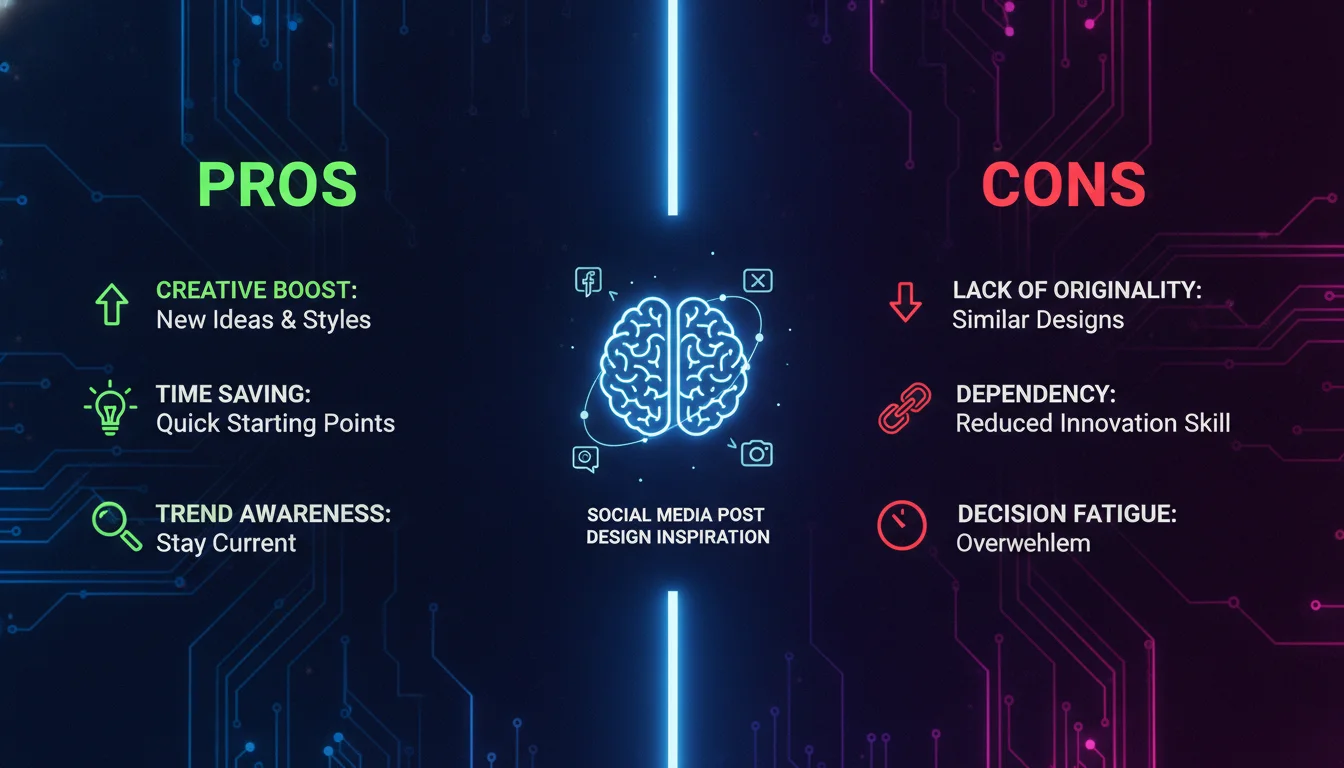
- Access to thousands of professionally executed designs across every industry and style
- Exposure to current visual trends before they saturate mainstream feeds
- Structured platforms like Behance show the strategic thinking behind visuals, not just the finished product
- Cross-industry discovery on Pinterest sparks unexpected creative combinations
- Template tools like Canva accelerate production for teams without dedicated designers
Cons
- Over-reliance on templates produces a homogenized feed that blends into the noise
- Trending styles can clash with your brand voice if applied without editorial judgment
- Platform-specific dimension requirements are easy to overlook when moving from admiration to execution
- Without a structured process, inspiration browsing becomes aimless scrolling with no creative output
Top Platforms for Finding Social Media Post Design Inspiration
Dribbble: A Curated Gallery of Professional Work
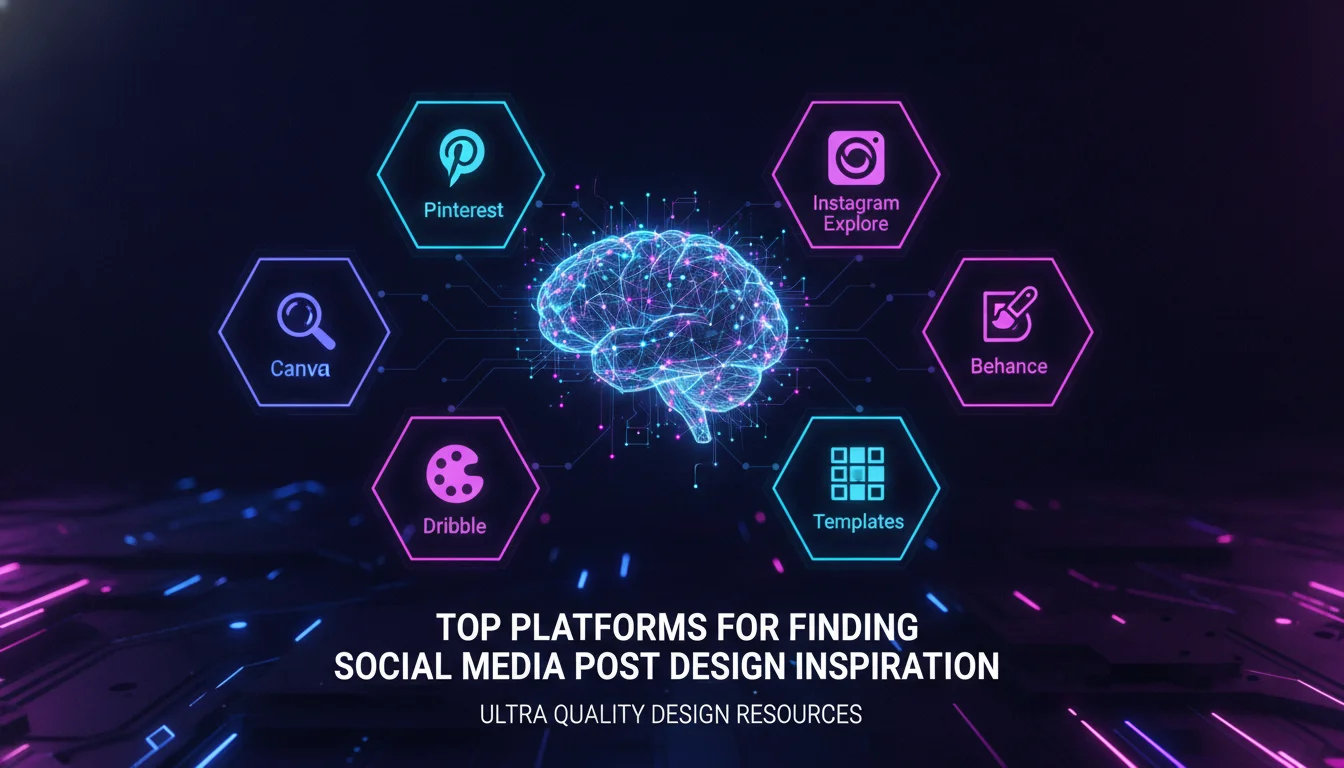
Dribbble hosts over 25,848 social media post designs from elite designers worldwide. Every shot is a finished, high-resolution visual, often accompanied by notes on the creative process. You can filter by color, tool, or style. “Pragmatike – Social Media Assets Branding Design” by Phenomenon Studio shows a full suite of corporate graphics, while “Swiftmate: Digital Bank – Social Media” by SlabPixel demonstrates sleek fintech design. The tag and search system makes it easy to pinpoint niche examples, from seasonal posts to product mockups.
Behance: Adobe’s Creative Community
Behance returns over 10,000 projects tagged “social media inspiration,” and it goes beyond static posts. You get full brand case studies, motion graphics, and carousel breakdowns. Projects like “Nature-Inspired Visual Identity” by Md Jakir Hosen Reyad reveal how inspiration translates into multi-platform campaigns. Behance’s “For You” feed personalizes suggestions, and the “Appreciations” feature lets you gauge community sentiment. For clients who need to understand the strategy behind the visuals, Behance is the right starting point.
Pinterest: Visual Discovery Engine
Pinterest is not just a social network. It is a visual search engine. According to Pinterest data, more than 14,000 people searched for “creative social media post design ideas” recently, and the platform’s algorithm surfaces pins based on aesthetic similarity. Boards act as digital moodboards where you can organize references by industry, color, or content type. Pinterest’s real strength is cross-industry pollination: a real estate post’s layout might spark a tech brand’s next graphic.
“Creating content is important for your creative business because it shows what you know, attracts search engines, keeps you top of mind, and does some of the selling before potential clients even contact you.” – Colleen Gratzer, Design Domination
Template-Based Tools for Quick Social Media Graphics
Canva and the Power of Editable Templates
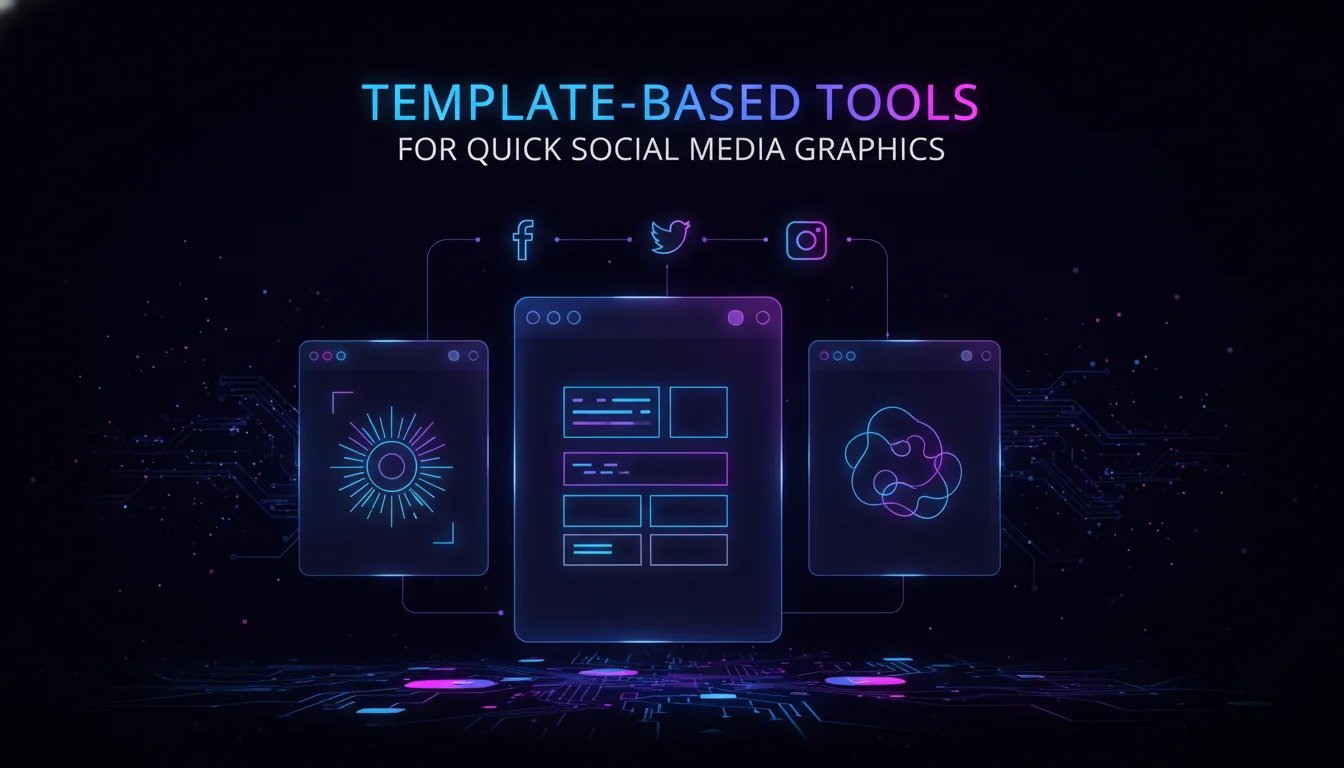
Canva democratizes design with its drag-and-drop interface and thousands of social media templates. For marketers seeking quick design inspiration, Canva’s library shows which layouts and color combinations are trending right now. The key is to override templates with your own brand assets, fonts, and imagery. Use Canva as a structural scaffold, not a finished product. The “Canva look” is real, and your audience recognizes it.
Designhill and Crowdsourced Design
Designhill takes a different approach. You can browse real custom designs created for actual clients, or run a design contest to receive multiple concepts. Their gallery covers practical briefs across specific industries, from trucking academies to café promotions. Because these are client-ready deliverables, they show how professional designers solve real briefs. That context is useful when pitching diverse styles to clients who need to see proof of concept.
AI Tools: The Emerging Layer
This year, AI-assisted design tools have entered the workflow in a meaningful way. Platforms like Adobe Firefly and Canva’s AI features let teams generate visual concepts from text prompts, which is useful for rapid moodboarding before committing to a full design direction. The practical approach: use AI to generate three or four rough visual directions quickly, then refine the strongest one using traditional design tools. AI is a starting point, not a final output. According to creative industry data, the most effective teams treat AI generation as a first-draft sketch layer, not a production asset.
“The designers who thrive are the ones who use AI to accelerate ideation, not replace craft. The brief still needs a human brain behind it.” – Creative industry perspective, 2026
15 Proven Social Media Post Ideas for Designers
Testimonials and Case Studies
According to Colleen Gratzer of Design Domination, sharing testimonials builds trust and gives potential clients insight into your working style. Design these as quote card layouts with the client’s photo or logo. Case studies work well as carousel slides that walk through the challenge, solution, and results. Both formats are heavily featured on Dribbble and Behance, giving you ample reference points for data-driven storytelling.
How-tos, Tips, and Lists
Educational content consistently outperforms purely promotional posts. Gratzer recommends sharing quick tips, mistakes to avoid, or numbered lists. Visually, these posts benefit from bold numbers, iconography, and step-by-step illustrations. Explore Pinterest for examples of how to present layered information without overwhelming the viewer. The goal is to make the visual do half the teaching.
FAQs, Myths, and Objections
Addressing common questions preemptively positions your brand as helpful and knowledgeable. The design approach should be clean and clutter-free: large, legible text on a contrasting background. Mockups of these formats appear regularly on Behance, with designers demonstrating how speech bubbles or direct-answer frames capture attention without visual noise.
The Full List of 15 Post Types
Gratzer’s complete framework covers: testimonials, your work, case studies, free guides, pain points, mistakes, myths, objections, how-tos and tips, FAQs, lists, your opinion, reviews, polls and surveys, and appearances. Each format serves a different stage of the audience relationship, from awareness to trust to conversion. Mapping these to your content calendar gives you a structured engine rather than a blank page every Monday morning.
How to Use Social Media Post Design Inspiration to Create Original Content
Deconstructing What Works
Raw inspiration is not a copy-paste exercise. When you find a post you admire, break it down analytically. What is the visual hierarchy? How is negative space used? What emotional trigger does the color palette activate? This approach turns this type of inspiration into a learning tool. The Halloween post for ChainGPT on Dribbble, for example, uses a dark theme with neon accents to convey tech-meets-fun. You could apply that same color logic to a completely different industry’s seasonal campaign.
Remixing Across Industries
Cross-industry borrowing is one of the most effective creative techniques available. Take a furniture brand’s clean, minimal layout and adapt it for a law firm’s awareness campaign. Borrow the energetic duotone treatment from a fitness app’s social card for a music event. These combinations keep your feed feeling original and are unlikely to be traced back to a single source. Pinterest’s algorithm is particularly good at surfacing visually similar pins from unrelated categories, making it a reliable tool for this kind of creative fusion.
A Step-by-Step Guide to Finding and Applying Design Inspiration
Step 1: Define Your Objective and Brand Parameters
Before opening any gallery, clarify what the post needs to achieve: awareness, engagement, or conversion. Identify non-negotiable brand elements like logo placement, approved colors, and typefaces. This prevents aimless scrolling and keeps every reference you collect genuinely useful.
Step 2: Conduct a Focused Search Across Platforms
Use specific keywords on Dribbble, Behance, and Pinterest. Instead of searching “social media post,” try “Instagram carousel tutorial,” “LinkedIn infographic,” or “cosmetics product ad.” Save 20 to 30 high-potential images to a dedicated folder or board before you start designing anything.
Step 3: Build a Visual Moodboard
Collate your finds into a moodboard, digital or physical. Look for recurring patterns: bold typography, gradient backgrounds, duotone images. Decide which style aligns with your objective. This step transforms scattered references into a coherent creative direction you can actually brief a team around.
Step 4: Sketch or Wireframe Your Concept
Create rough layouts based on the moodboard, but infused with your brand’s specifics. This forces adaptation rather than replication. Use Canva’s blank canvas to quickly test block placements before committing to a full build.
Step 5: Refine and Brand-Align
Replace placeholder assets with your own visuals, swap fonts for brand typefaces, and adjust colors to your palette. At this stage, the design should feel distinctly yours, even if the skeleton was sparked by external this kind of design inspiration.
Step 6: Gather Feedback and Iterate
Share the draft internally or with the client. The original inspiration pieces can serve as reference to explain your creative direction. Revise until the design meets both aesthetic and strategic goals. One round of structured feedback is worth more than three rounds of guessing.
Measuring Whether Your Design Inspiration Is Working
Inspiration without measurement is just aesthetics. Once your posts are live, track reach, saves, shares, and click-through rates by post format. If testimonial carousels consistently outperform single-image posts, that is a signal to weight your content calendar accordingly. According to HubSpot’s content research, posts that combine strong visual design with a clear call to action outperform visually strong posts without one. The design gets the click; the copy closes it. Build a simple tracking sheet that maps each post format back to its inspiration source, so you can identify which creative references are actually producing results for your specific audience.
Common Pitfalls to Avoid When Seeking Social Media Post Design Inspiration
Over-Reliance on Templates
Tools like Canva accelerate production, but using them without customization leads to a homogenized feed. True the media post design inspiration requires adding distinctive brand elements to every template you touch. Change the font. Replace the stock photo. Adjust the color. If your post could belong to any brand, it belongs to none.
Ignoring Platform-Specific Best Practices
What looks stunning on Behance may not fit Instagram’s square format or LinkedIn’s in-stream preview. Always adapt inspired designs to the target platform’s specifications. This is one of the most frequent mistakes made when moving from admiration to execution, and it is entirely avoidable with a simple dimension checklist.
Chasing Trends Without Relevance
A trending style attracts eyes but can confuse your message if it clashes with your brand voice. Applying a grunge texture to a luxury real estate brand for the sake of being edgy will alienate the exact audience you built. Every piece of inspiration should pass a single filter: does this serve the brand, or just the trend?
Platform Comparison: Where to Find Social Media Post Design Inspiration
| Platform | Type | Best For | Scale of Inspiration | Key Feature |
|---|---|---|---|---|
| Dribbble | Professional portfolio gallery | High-end, polished design | 25,848+ social media posts | Browse by designer or tool; detailed shot view with community comments |
| Behance | Creative network and portfolio | Full campaign case studies, motion graphics | 10,000+ projects | Project-based presentation with process breakdowns and moodboards |
| Visual discovery engine | Cross-industry ideas, moodboarding | 14k+ monthly searches for related terms | Algorithm-driven similar pins; save to private boards | |
| Canva | Template-based design tool | Quick, customizable designs for non-designers | Thousands of templates | Drag-and-drop editor with brand kit integration |
| Designhill | Crowdsourced design marketplace | Client-ready designs, contest-based concepts | Hundreds of public designs | Option to hire a designer directly or launch a contest |
Building a Sustainable Inspiration System
Sporadic browsing is not a strategy. The most effective creative teams build a personal inspiration library using bookmark folders, Pinterest boards, and tag alerts for new Dribbble uploads. By combining professional galleries, template tools, and a structured idea list, you create a repeatable system for generating inspiration on demand. The goal is not to mimic what you find. It is to internalize principles and produce original work that resonates with your audience and drives measurable results.
If you want to build a visual content system that actually performs, explore what Emin Media’s creative team can do for your brand. We work with founders, marketing managers, and creative teams who are serious about building something that lasts. Contact Emin Media for a free brand consultation and let’s build something bold together.
Frequently Asked Questions
What is social media post design inspiration?
social media is the practice of gathering visual references from platforms like Dribbble, Behance, and Pinterest to inform the creative direction of your own posts. The goal is to produce content that is original, on-brand, and built to engage a specific audience.
How do I find social media post design inspiration without copying?
Focus on deconstructing designs rather than replicating them. Analyze color palettes, typography hierarchies, and layout grids, then recombine those elements with your brand’s unique assets. A moodboard that synthesizes multiple influences is almost always more original than any single reference.
Can I use Canva templates for social media post design inspiration?
Yes, Canva templates provide a solid structural foundation, but always customize fonts, colors, and images to match your brand guidelines. Use them as a starting point, not a finished product. The template is the skeleton; your brand is the identity.
What are the best platforms for social media post design inspiration?
Dribbble, Behance, and Pinterest are the top sources for high-quality, diverse references. Dribbble excels at polished, finished designs. Behance shows the full strategic process behind campaigns. Pinterest surfaces unexpected cross-industry ideas through its visual algorithm.
How can I use social media post design inspiration to improve my brand’s feed?
Extract recurring motifs from your inspiration sources, such as a specific illustration style or photo treatment, and apply them consistently across posts. This builds a cohesive, recognizable visual system without requiring you to reinvent the approach for every piece of content.
Is it legal to use designs from inspiration platforms?
Using designs as direct copies without permission violates copyright law. design inspiration should inform your own original work, not serve as downloadable assets, unless the creator explicitly offers them as free templates. When in doubt, treat every design you admire as a reference, not a resource.
Enjoyed this article?
Contact Emin Media for a free brand consultation and let's create something amazing together.
Get in TouchRelated Articles
Digital Marketing for Creatives: A Bold Guide
Digital marketing for creatives builds real visibility and sales. Learn strategies for social media, SEO,…
Branding & Design Agency Tips That Actually Work
Discover branding and design agency tips to choose the right partner, set clear goals, and…
Creative Agency Pitch Deck Tips That Win Clients
Master creative agency pitch deck tips that win clients in 2026. Learn storytelling, design, and…