Brand Content Calendar Template: Your 2026 Playbook
Key Takeaways
- A brand content calendar template is a reusable planning document that organizes posts by platform, date, campaign, and status.
- Roughly one in eight small-business social media marketers struggle to post consistently, and about one in nine find it hard to create content, according to Social Media Strategies Summit.
- Free brand content calendar templates from Canva, Notion, HubSpot, Hootsuite, Semrush, Adobe Express, and Hallam cover Excel, Google Sheets, and project management formats.
- The strongest templates include fields for platform, publish date and time, status, owner, asset links, caption/copy, hashtags, and UTM parameters.
- Use a brand content calendar template to batch creative work, protect brand voice, and prove ROI with built-in measurement.
A brand content calendar template is a reusable planning document that organizes posts by platform, date, campaign, and status. Canva, Notion, HubSpot, and Hootsuite offer free downloadable or editable versions for Excel, Google Sheets, or project management tools.
What Is a Brand Content Calendar Template?
Core Definition
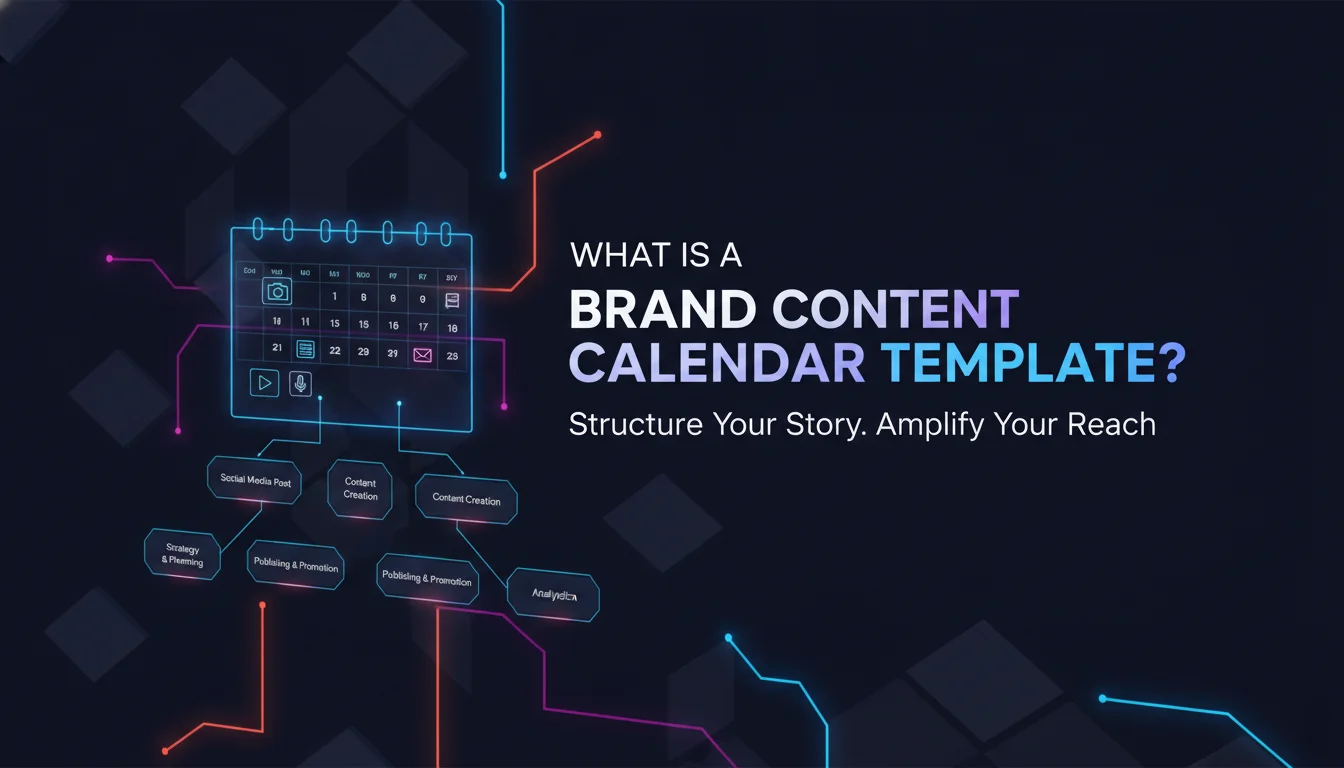
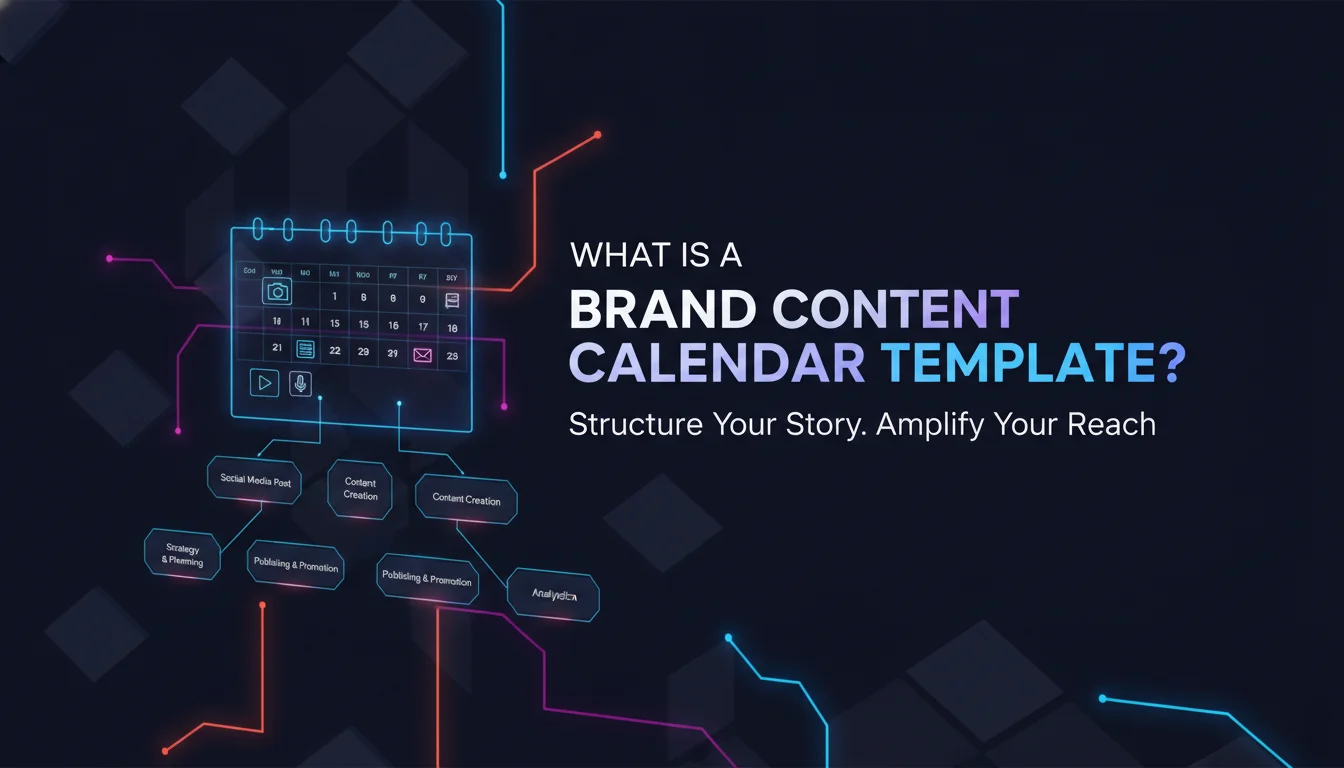
A calendar template is a structured document that lists a brand’s planned posts by date, platform, campaign, and status. Canva describes a social media calendar, sometimes called a content calendar or content plan, as an essential planning document for social media managers and project planners. Many templates are formatted like an actual calendar, which makes deliverables easier to see and understand. Creative teams also lean on Kanban boards or Gantt charts to capture granular details like responsible team members, dependencies, deadlines, and file resources.
The phrase this type of template often covers the format used across paid, owned, and organic content. A good template gives your team a consistent starting point, cutting setup time and making sure no critical field gets missed. Instead of rebuilding a calendar every month, you duplicate a structure that already works.
Why Marketers Use Calendar-Based Planning
Social media managers typically own the content plan, but on smaller teams the job might fall to a chief marketing officer coordinating the wider marketing strategy, or a copywriter managing campaign assets. A calendar format helps because it maps work to real dates, making it easier for stakeholders and creative teams to stay aligned. For stakeholders, a traditional calendar view presents the plan cleanly. For the creative team, a dedicated project management version usually holds all the critical information, dependencies and asset links included.
Calendar-based planning also supports longer horizons. When a quarterly campaign launches, the template shows every post, owner, and approval stage at a glance. That visibility stops last-minute scrambles and keeps the brand from chasing every viral trend without a strategic anchor.
“A well-structured, flexible content calendar keeps your brand more aligned and intentional, ensuring you stay true to your core values and in touch with your audience,” notes Canva’s guide to social media planning.
Brand Content Calendar Template vs. Generic Editorial Calendar
A this kind of calendar template is a specific application of a broader editorial calendar. Notion distinguishes between an editorial planner, a marketing calendar, a blog schedule, and a post planner. A generic editorial calendar tracks publishing dates across articles and newsletters. A the content calendar template adds platform details, post types, owner assignments, and UTMs. The distinction matters because social content demands tighter coordination with design assets, approval chains, and platform-specific formatting, something we cover in more depth in our guide to building a social media content strategy that sticks.
Why Your Brand Needs a Content Calendar

Consistency and Creative Bandwidth
Your brand needs a content calendar because planning ahead gives teams more time and creative bandwidth to workshop ideas long before hitting post. According to Social Media Strategies Summit, roughly one in eight social media marketers at small businesses say they struggle to post content consistently, while about one in nine find it hard to create the content they need. A well-structured, flexible content calendar keeps your brand aligned and intentional, true to its core values and in touch with its audience.
Making posts on the fly isn’t sustainable, and chasing every microtrend rarely pays off. Instead, teams can workshop stronger ideas and build editable, on-brand templates that save time down the line. A template creates a repeatable system, so the team spends less energy deciding what to post and more time making quality work.
Collaboration and Approval Workflows
The review cycle is often the longest part of the creative process. A fixed social media calendar prevents the delays that come with too many reviewers and unclear ownership. Everyone knows the schedule and their dependencies. Complex or review-heavy tasks, technical content that needs subject-matter-expert checking, for example, can get longer deadlines without dragging the whole process down. Assigning owners and approval stages inside the calendar helps teams avoid ambiguous handoffs and duplicate work.
Measuring ROI with Built-in Measurement
Social media scheduling tools often include analytics features that track each individual post. Posts get tagged with Urchin Tracking Module (UTM) codes, which capture data on parameters like campaign, platform, and source. These codes attach to metrics like click-through rate and shares, helping marketers understand campaign performance and prove or disprove efficiency with real numbers. A brand content that includes UTM fields makes measurement part of the plan, not an afterthought.
Key Elements of a High-Performing Brand Content Calendar Template

Platform, Date, and Status Fields
A high-performing calendar template includes several fields beyond the post name and upload schedule. Platform shows where each post lives, Instagram, TikTok, or LinkedIn, so teams can tailor formats accordingly. Publish date and time set internal deadlines. Status and approval stage keep governance tight and surface bottlenecks or dependencies at a glance. These fields show up in Canva’s planning guide and in most robust templates.
Ownership, Asset Links, and Copy
Owner assigns accountability. Asset links point to the final, most updated version of creative so editors and approvers stay aligned. Caption or copy fields hold the exact wording that will go live. In a traditional calendar view, most of this detail won’t be visible due to spacing constraints, which is why that format works better for presenting the plan to stakeholders. The creative team’s working version usually lives on a dedicated project management tool instead. This split between stakeholder view and working view is central to choosing a template that survives daily use.
Hashtags and Tracking Codes
Hashtags and UTM parameters are built-in tracking codes that connect each post to specific campaigns and KPIs. Including them in the template cuts down on last-minute errors and keeps reporting consistent. Per Canva, UTM codes capture campaign, platform, source, and more, attaching that data to metrics like click-through rate and shares. When every post carries a UTM tag, you can compare performance across channels without rebuilding reports from scratch.
Top Free Brand Content Calendar Templates to Try in 2026

Canva Sheets Social Media Calendar
Canva offers free social media calendar templates in Canva Sheets, paired with a 7-minute guide published in June 2026 by the Canva Team. The templates let you plot a full social media calendar directly inside Canva. Canva’s approach favors a flexible format that works for stakeholders and creative teams alike. Built-in design tools make it easy to keep brand colors and fonts inside the same environment where assets get created, a nice mood-board effect where planning and production live in one place.
Notion Content Calendar Collection
Notion’s content calendar category lists 912 templates under “Content Calendar,” according to the Notion template gallery. The collection ranges from free to paid, including options like YouTube Creator OS, Social Media Planner, All-in-One Content Planner, and Content Calendar by Easlo. Notion templates double as an editorial planner, marketing calendar, content roadmap, and posting calendar, adaptable to different team workflows. Because Notion supports databases and Kanban views, the same this type of template can shift from calendar to board view depending on who’s looking at it.
HubSpot’s Multi-Platform Template
HubSpot offers a Social Media Content Calendar Template with calendar layouts for X, Facebook, LinkedIn, Instagram, Pinterest, TikTok, Snapchat, YouTube, and other networks. Inside, there’s a Monthly Planning Calendar for scheduling campaigns, a Content Repository for reusing whitepapers and ebooks, and a version that uploads directly into HubSpot to schedule posts. A user guide features insights from Samantha Meller, head of The Hustle’s social media. HubSpot reports that over 300,000 companies are already using these templates to plan.
Hootsuite’s Excel and Google Sheets Template
Hootsuite offers a Social Media Calendar Template that’s fully customizable in Excel and Google Sheets. It supports weekly or monthly views, lets you apply brand colors and fonts, and includes a network-specific evergreen content library. It’s built as a practical companion to Hootsuite’s step-by-step guide for a foolproof content plan, aligning social content with business goals. The evergreen library is especially useful for teams that want to replay high-performing posts without reinventing them each month.
Semrush’s Color-Coded Google Sheets Template
According to Social Media Strategies Summit, Semrush offers a social media content calendar for Google Sheets with columns covering channel, date, status, asset type, and topic. It’s color-coded, so you understand your calendar at a glance. If the visual type column looks monochrome, it might be time to diversify your visual assets. Semrush’s template uses drop-down menus for consistency and fewer typos, though it can look busy. That trade-off shows up often in spreadsheet-based tools: more structure reduces errors but demands more scrolling.
Hallam’s Social Media and PR Calendar
Digital marketing agency Hallam has shared its social media and PR calendar template for a decade, according to Social Media Strategies Summit. The latest edition rounds up national and international events and holidays, National Compliment Day and J.R.R. Tolkien’s birthday among them. It also features a dedicated theme for each month to spark ideation, plus monthly pro tips. This one’s ideal for brands chasing timely, culturally relevant hooks without doing their own holiday research.
Adobe Express also offers editable free social media calendar templates for designing online in minutes, handy when you need a quick visual calendar to share with stakeholders or clients.
Where Search Interest Is Heading
Pinterest currently lists social media content calendar templates among its trending planning searches, with users actively browsing Excel, Canva, and Google Sheets formats, a signal that visual-first discovery still shapes how brands find their next this kind of calendar template. If your team pulls inspiration from mood boards before committing to a format, that visual browsing habit is worth building into your research process.
How to Choose the Right Brand Content Calendar Template
Matching Template Format to Team Workflow
The right the content calendar template matches your team’s actual workflow, not just your platform list. A traditional calendar format works best for presenting the plan to stakeholders and audiences outside the core creative team. For execution teams, a Kanban board or Gantt chart inside a project management tool captures dependencies, individual deadlines, and file resources more clearly. If your team lives in Notion, a Notion database gives you both views without duplicating data.
Platform Coverage and Post Types
Choose a template that covers the platforms your brand actually uses. HubSpot’s template spans X, Facebook, LinkedIn, Instagram, Pinterest, TikTok, Snapchat, YouTube, and other networks, cutting the need to merge multiple spreadsheets. If your brand leans visual, Canva Sheets or Adobe Express templates adapt faster. Hootsuite’s template includes an evergreen content library for network-specific ideas. Incomplete platform coverage forces teams to keep side documents, which undermines the single source of truth a template is meant to provide.
Integration with Scheduling and Analytics Tools
If you want automatic scheduling and built-in analytics, pick a template that integrates with a tool like HubSpot or Hootsuite. HubSpot’s version uploads directly for scheduling, while Hootsuite’s complements its own scheduling and analytics suite. For spreadsheet purists, Semrush’s Google Sheets template offers drop-downs and color coding but no native scheduling. The right choice depends on whether your priority is planning visibility or full execution.
How to Build a Brand Content Calendar Template from Scratch
Step 1: Open Your Spreadsheet and Set Columns
Open a new spreadsheet and create columns for platform, publish date, publish time, status, owner, asset link, caption/copy, hashtags, and UTM parameters.
Step 2: Add a Campaign or Theme Column
Add a campaign or theme column to group posts by monthly themes, the kind Hallam suggests for ideation.
Step 3: Build Drop-Down Menus
Create drop-down menus for platform, status, and asset type using data validation to keep entries consistent and typo-free.
Step 4: Apply Color Coding
Apply color coding to visual type or status columns, the way Semrush does, so you can spot gaps at a glance.
Step 5: Populate with Dates and Evergreen Content
Populate the template with known dates, holidays, and campaign launches, then fill remaining slots with evergreen content.
Step 6: Share and Set a Review Rhythm
Share the template with owners and approvers, then set a weekly or monthly review rhythm to keep it alive.
This approach mirrors the structure found in templates from HubSpot, Hootsuite, and Semrush, no paid tool required.
Connecting the Template to a Monthly Planning Rhythm
Use the template as part of a monthly planning rhythm. HubSpot includes a Monthly Planning Calendar for scheduling campaigns across the year. Hootsuite’s weekly and monthly views let you revisit ideas and plan posts with business goals in mind. A content repository, like the one in HubSpot’s template, tracks created content so you can reuse whitepapers, ebooks, and other assets across platforms. Without this rhythm, even the best brand content becomes a static list instead of a living plan.
Best Practices for Using Your Brand Content Calendar Template
Batch Content Creation and Evergreen Libraries
Batch content creation gets easier when your calendar template includes an evergreen content library. Hootsuite describes a network-specific evergreen library built for revisiting ideas. HubSpot’s Content Repository lets teams reuse whitepapers, ebooks, and more for different audiences and platforms. Planning ahead helps teams workshop better ideas and build editable, on-brand templates that save time later. Batching similar formats on the same day cuts the mental switching cost and keeps brand voice consistent, a principle we also explore in our piece on brand storytelling frameworks that actually convert.
According to Hootsuite’s planning guide, aligning social content with business goals, not just filling slots, is what separates a calendar that performs from one that just looks busy.
Aligning Posts with Business Goals
Your calendar should align social content with business goals, not just fill slots on a grid. Hootsuite’s template guide walks through aligning social content with business goals using weekly and monthly calendar views. When every post carries a campaign tag and UTM code, you can trace performance back to specific objectives. A this type of template becomes a bridge between creative execution and measurable outcomes, which is exactly the kind of thinking we bring into every brand and social media campaign we build.
Reviewing Performance and Iterating
Built-in measurement is one of the biggest advantages of a this kind of calendar template. Scheduling tools with analytics features track each individual post, and UTM codes capture campaign, platform, and source data. Those tags attach to metrics like click-through rate and shares, so you can review what worked and adjust next month’s calendar accordingly. Iterating on real data is what separates a calendar that fills time from one that drives actual growth.
Comparison Table: Popular Brand Content Calendar Templates
| Template Source | Format | Key Features | Best For |
|---|---|---|---|
| Canva Sheets | Canva Sheets, online editable | Calendar, Kanban, Gantt views; free templates; brand-friendly design | Design-led teams and stakeholder presentations |
| Notion | Notion templates (912 in category) | Editorial planner, marketing calendar, content roadmap, blog schedule, post planner; free and paid | Teams using Notion for project management |
| HubSpot | Spreadsheet upload to HubSpot | Platform-specific calendars for X, Facebook, LinkedIn, Instagram, Pinterest, TikTok, Snapchat, YouTube; monthly planning; content repository; user guide | Teams wanting scheduling and analytics integration |
| Hootsuite | Excel or Google Sheets | Weekly/monthly views; customizable brand colors and fonts; evergreen content library | Teams aligning social with business goals |
| Semrush | Google Sheets | Color-coded; drop-down menus; channel, date, status, asset type, topic columns | Teams wanting visual consistency and data validation |
| Hallam | Downloadable calendar | National/international events and holidays; monthly themes; pro tips | Timely, relevant campaign ideation |
| Adobe Express | Online editable templates | Editable free social media calendar templates; design online in minutes | Quick custom designs |
Pros and Cons of Using a Brand Content Calendar Template
Pros
- Cuts setup time by giving your team a reusable structure instead of rebuilding a plan every month.
- Keeps brand voice consistent across platforms because every post follows the same fields and review path.
- Bakes measurement into the process through UTM parameters and status tracking, so ROI conversations use real data.
- Improves collaboration by assigning clear owners and approval stages, reducing duplicate work and missed handoffs.
Cons
- Spreadsheet-based templates like Semrush’s can look cluttered once you add enough columns and drop-downs.
- A traditional calendar view often hides details creative teams need, requiring a second, more granular version.
- Free templates may lack native scheduling, meaning teams still need a separate tool for publishing and analytics.
- Without a regular review rhythm, even a well-built the content calendar template turns into a static, ignored document.
A template is the foundation of a consistent, measurable content strategy. Whether you choose a free template from Canva, Notion, HubSpot, Hootsuite, Semrush, Hallam, or Adobe Express, the goal is the same: adopt a structure that fits your team’s workflow, tracks every post from idea to ROI, and grows alongside your business goals. As of 2026, the brands winning attention are the ones treating their content calendar as a creative operating system, not just a scheduling chore.
Frequently Asked Questions
What is a brand content calendar template?
A brand content calendar template is a reusable planning document that organizes posts by platform, date, campaign, and status. It helps teams plan ahead and stay aligned with brand goals instead of posting reactively.
What should a content calendar include?
A content calendar should include platform, publish date and time, status and approval stage, owner, asset links, caption/copy, hashtags, and UTM parameters. These fields turn a simple list into a working brand content calendar template.
Where can I find free templates for content calendars?
Free templates are available from Canva, Notion, HubSpot, Hootsuite, Semrush, Adobe Express, and Hallam. Many work in Excel, Google Sheets, or dedicated project management tools like Notion.
How do I create a content calendar in Excel?
Open a spreadsheet, add columns for platform, date, status, owner, asset link, caption, and tags, then apply data validation for drop-downs and color coding. Populate it with monthly themes and evergreen content, then set a recurring review rhythm.
What is the best tool for creating a content calendar?
The best tool depends on your workflow. Notion offers flexible project management templates, HubSpot integrates scheduling and analytics, and Hootsuite works in Excel and Google Sheets with business goal alignment built in.
How many companies use HubSpot’s social media content calendar?
According to HubSpot, over 300,000 companies are already using its social media content calendar templates to plan their social strategy.
Ready to stop wrestling spreadsheets and start building content that actually moves your brand forward? Contact Emin Media for a free brand consultation and let’s build a content system as bold as your ideas.
Enjoyed this article?
Contact Emin Media for a free brand consultation and let's create something amazing together.
Get in TouchRelated Articles

Digital Marketing for Creatives: A Bold Guide
Digital marketing for creatives builds real visibility and sales. Learn strategies for social media, SEO,…
Branding & Design Agency Tips That Actually Work
Discover branding and design agency tips to choose the right partner, set clear goals, and…

Creative Agency Pitch Deck Tips That Win Clients
Master creative agency pitch deck tips that win clients in 2026. Learn storytelling, design, and…