Best Video Recording Camera 2026: 15 Top Picks by Budget
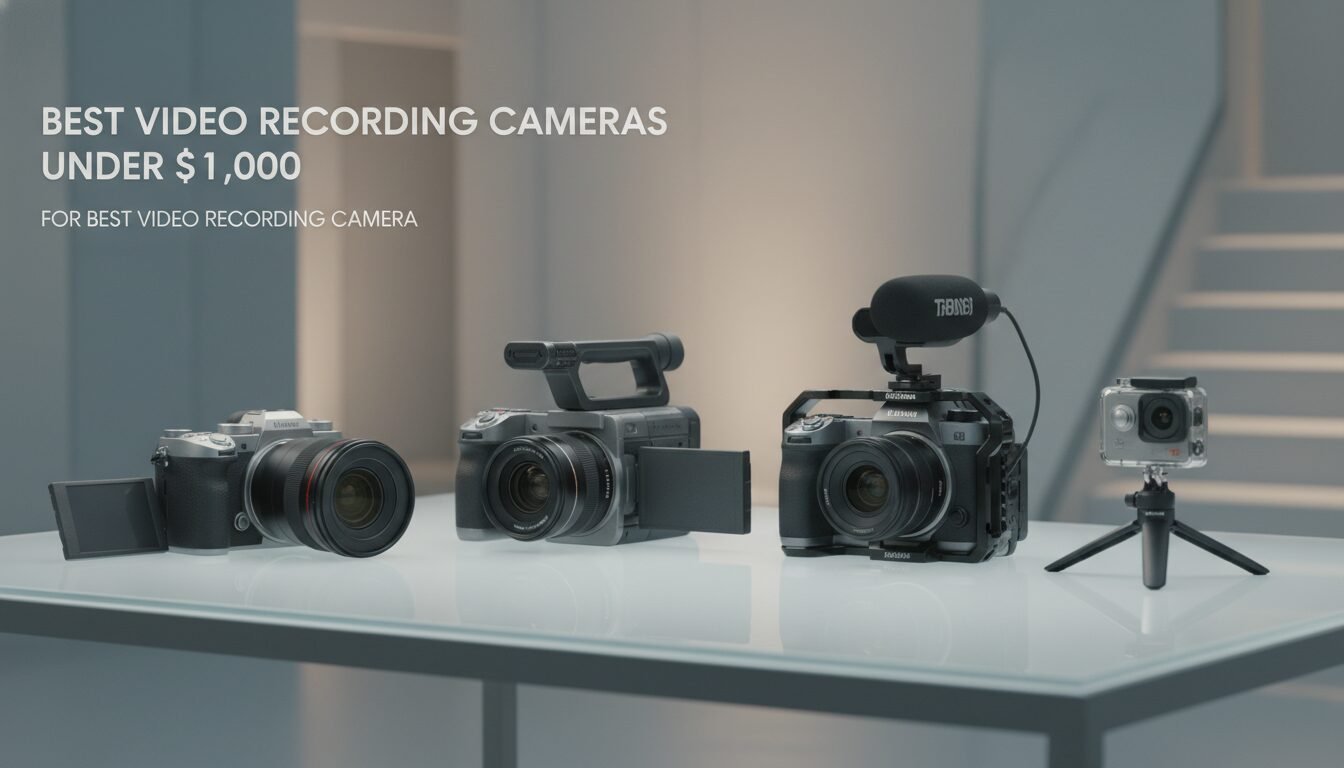
The best video recording camera is one that matches your specific shooting style, budget, and technical requirements. Whether you’re creating YouTube content, filming documentaries, or shooting social media videos, the right camera combines excellent image quality with features that actually serve your workflow.
Key Takeaways
- Your smartphone may be enough – An iPhone 16 Pro with Apple LOG rivals many budget cameras when using a tripod, according to Pascal Basel’s 2026 tests.
- Look beyond resolution – 10‑bit recording, AI autofocus, and in‑body stabilization (IBIS) matter more for smooth, gradeable footage than just 4K or 8K.
- Match the camera to your use case – Vloggers need compact, selfie‑friendly screens; filmmakers need Log profiles and high frame rates; YouTubers need reliable autofocus.
- Lenses are a long‑term investment – Sony’s E‑mount and Canon’s RF mount offer the widest native glass and adapter support, giving you room to grow.
- Action and compact cameras now rival mirrorless – The DJI Osmo Pocket 3 and GoPro Hero 13 Black deliver 4K 120fps with gimbal‑like stabilization for under $500.
Best Video Recording Cameras Under $1,000
Media” class=”wp-image-9647″ loading=”lazy” width=”1792″ height=”1024″ />Best Video Recording Cameras Under $1,000
,000 – best video recording camera | Emin Media
Starting out or need a reliable B‑camera? The sub‑$1,000 tier now offers 10‑bit recording, AI tracking, and 4K 60fps that were once reserved for much pricier bodies. These represent the best video recording camera options for creators on a tight budget.
Sony ZV‑E10 II – The All‑Round Budget King
Priced at $998 body‑only, the ZV‑E10 II is a major leap over the original. It records 4K 60fps in 10‑bit 4:2:2 with S‑Log3, corrects the first generation’s rolling shutter problems, and supports custom LUTs right on the camera. Sony’s AI‑powered autofocus locks onto eyes and subjects with industry‑leading stickiness. The only real sacrifice is the lack of IBIS – you’ll need optically stabilized lenses or digital crop for handheld work.
“According to RTINGS.com, the Sony ZV-E10 II is one of the best YouTube cameras tested, thanks to its compact form and streaming‑ready features.”
Canon EOS R50 – The Value Entry Point
Canon’s R50 costs $579 for the body and delivers 4K 30fps without a crop, plus 1080p 120fps slow motion. Canon’s Dual Pixel AF is fast and confident, and the camera can live‑stream directly. It lacks IBIS and C‑Log 3, so dynamic range is more limited than on the Sony, but the stunning color science straight out of camera is a real advantage for creators who don’t want to grade heavily.
Nikon Z30 – No‑Crop Digital IS
At $600, the Nikon Z30 shoots 4K 30fps with good autofocus and a unique feature: its digital stabilization does not crop the image, preserving your wide‑angle field of view. That makes it a favorite for walk‑and‑talk vlogs. It’s limited to 8‑bit, though, so color grading possibilities are narrower.
Mid‑Range Video Cameras ($1,000–$2,000)
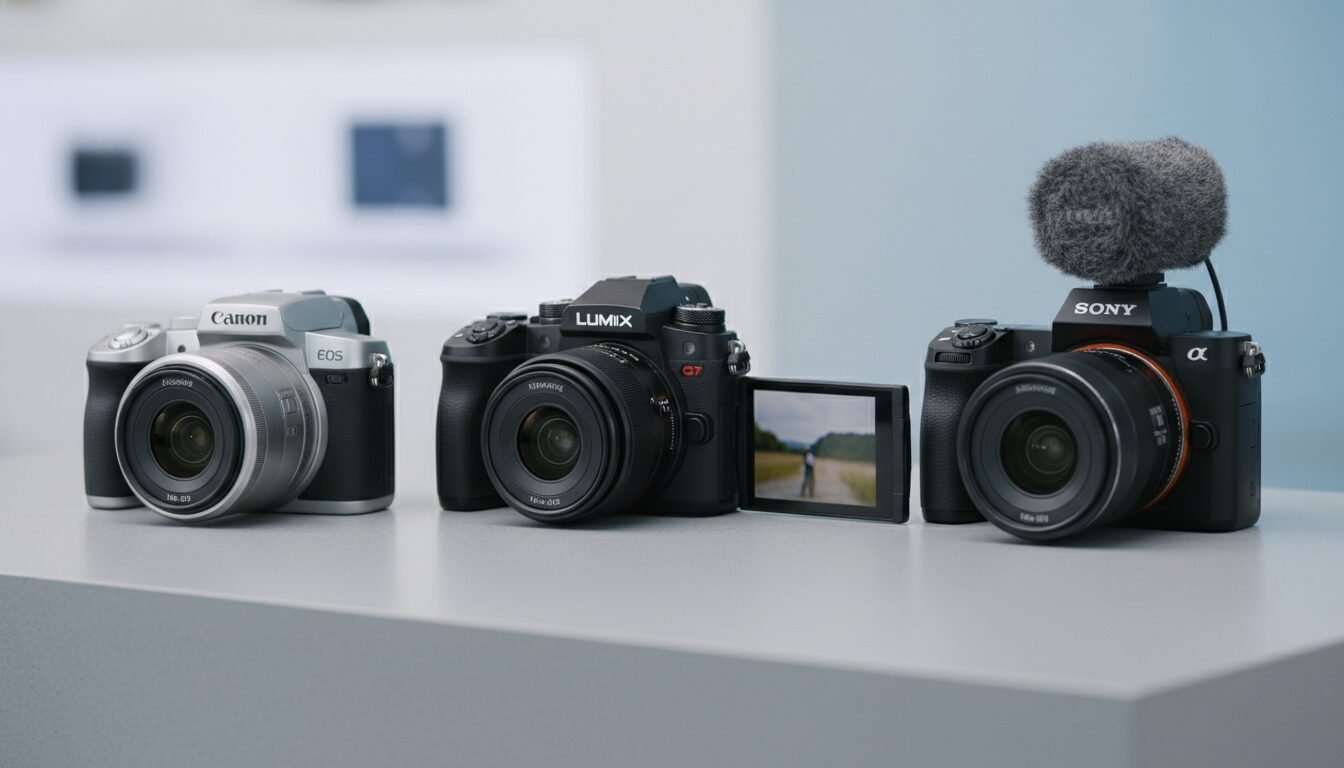
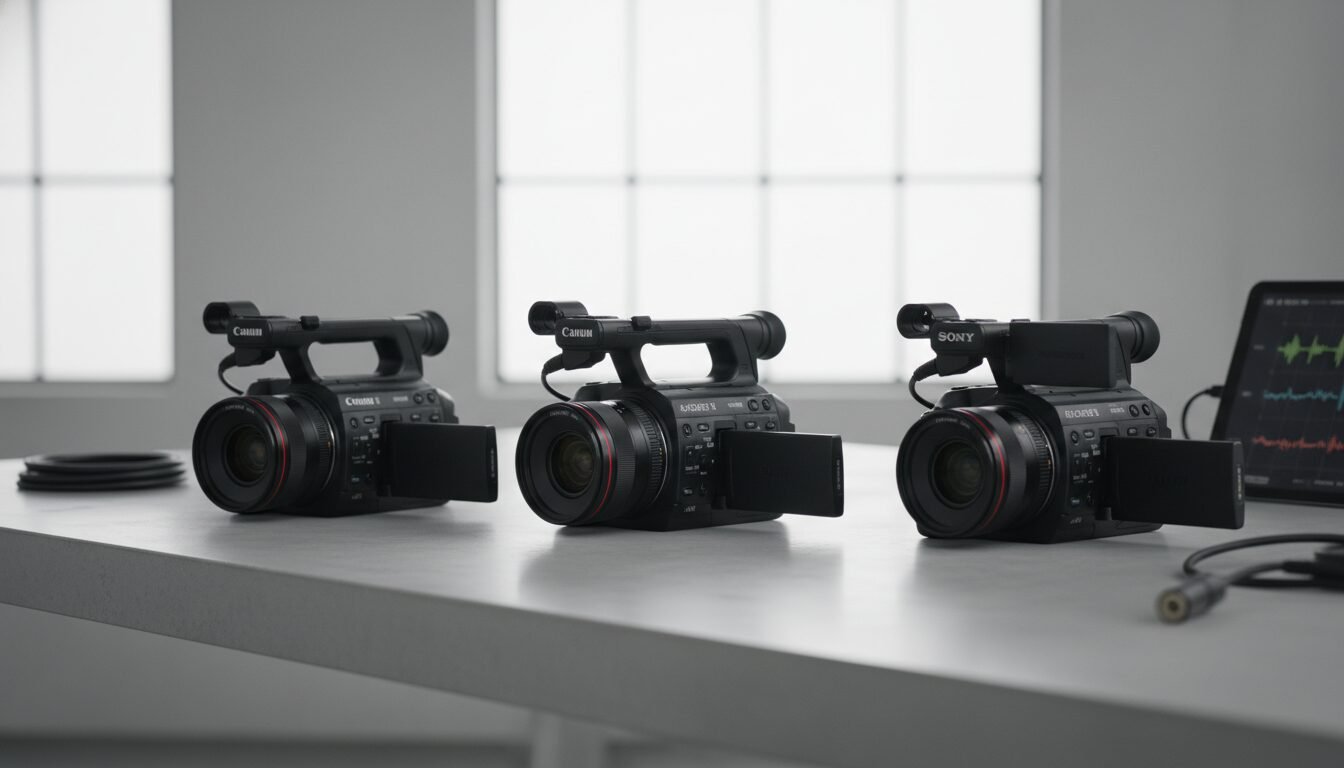
For serious filmmakers and YouTubers who need Netflix‑approved codecs or 4K 120fps without breaking the bank, this bracket is the sweet spot. These cameras represent the best video recording camera options for professionals on a budget.
Sony FX30 – Super‑35 Cinema on a Budget
The FX30 ($1,800 camera body, often bundled under $3,000 with lenses) brings Sony’s cinema line within reach. It records 4K 120fps in 10‑bit with S‑Cinetone, a baked‑in look that requires minimal grading. Active‑mode stabilization dramatically smooths out walking footage, and the body includes a cooling fan for unlimited recording. It lacks a mechanical shutter for stills, so it’s a pure video tool.
Panasonic Lumix S5 IIX – The Streaming & RAW Powerhouse
Panasonic’s S5 IIX ($2,200) offers 6K 30fps ProRes RAW output to an external recorder, making it a favourite for documentary work. Its phase‑detect autofocus finally closes the gap with Sony and Canon, and the body includes a built‑in fan. With 14+ stops of dynamic range in V‑Log, this camera competes with units costing twice as much.
Professional‑Grade Video Cameras (Over $3,000)
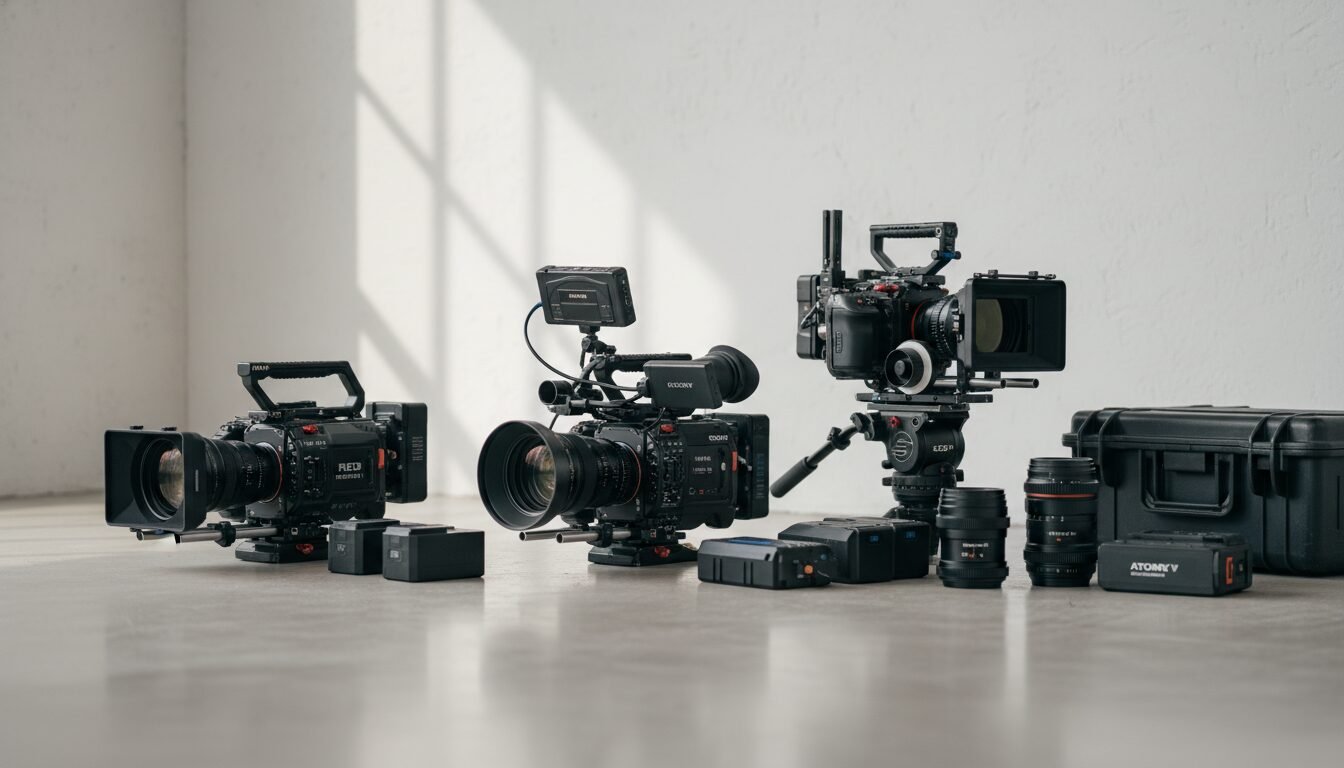
When every frame counts, these cameras deliver the highest dynamic range, frame rates, and reliability. They’re the choice for broadcast, Netflix productions, and high‑end YouTube channels seeking the absolute best video recording camera performance.
Sony FX3 – Netflix‑Approved Compact Cinema
The FX3 ($3,900) packs a full‑frame 12‑megapixel sensor with 15 stops of dynamic range and ISO expandable to 102,400. It shoots 4K 120fps internally in 10‑bit, and the body includes two XLR audio inputs through the top handle. Its compact size makes it ideal for gimbal work, and the dual‑base ISO of 800 and 12,800 delivers remarkably clean low‑light footage.
“According to Moment, the FX3 is ‘a fan favorite among beginner‑to‑intermediate filmmakers’ precisely because it offers cinema‑grade performance without the bulk.”
Canon EOS R5 C – 8K 60fps on a Mirrorless Body
The R5 C blurs the line between mirrorless and cinema camera. It records 8K 60fps in Cinema RAW Light and 4K 120fps in 10‑bit, all with Canon’s superb autofocus. The built‑in cooling fan allows unlimited recording in all codecs. At $4,500, it’s a substantial investment, but it replaces both a high‑resolution stills camera and a dedicated cinema body.
Action and Compact Cameras That Rival Mirrorless
Not all video recording cameras are mirrorless or DSLRs. A new wave of compact devices now offers stabilization and video quality that can hold their own against larger systems.
DJI Osmo Pocket 3 – The Pocket‑Sized Gimbal Cam
Priced at $499, the Osmo Pocket 3 features a 1‑inch CMOS sensor and 4K 120fps recording with a built‑in 3‑axis gimbal. Face and object tracking is rock‑solid, and the image is stabilized to the point that you can run with it. For vloggers who prioritize portability and ease of use, this is often the best video recording camera that fits in a pocket.
GoPro Hero 13 Black – The Rugged Option
GoPro’s latest flagship captures 5.3K 60fps and 4K 120fps with HyperSmooth stabilization that practically eliminates shakes. It’s waterproof to 33 feet without a housing, making it the go‑to for adventure creators. While the small sensor struggles in low light, in daylight it produces vibrant, share‑ready footage immediately.
Essential Features That Separate Great Video Cameras
Beyond the spec sheet, the following capabilities determine whether a camera will serve you well or cause frustration when choosing the best video recording camera for your needs.
Bit Depth and Log Profiles
Bit depth refers to the number of color steps a camera records – 10‑bit captures 1.07 billion colors, while 8‑bit captures only 16.7 million. A 10‑bit file holds four times the tonal information per channel, which means you can push a color grade far further without banding. Log profiles, such as S‑Log3 or C‑Log, are flat recording formats designed to preserve dynamic range for post‑production grading.
In‑Body Image Stabilization (IBIS)
IBIS is a mechanism that shifts the sensor to counteract hand movement. Combined with optical stabilization in a lens, it can deliver gimbal‑like smoothness. Cameras without IBIS, like the Sony ZV‑E10 II, rely on digital stabilization that crops the image, reducing quality and field of view.
Rolling Shutter and Sensor Readout Speed
Rolling shutter is a distortion that causes vertical lines to slant during fast pans or whip pans. It’s caused by a sensor’s line‑by‑line readout speed. A camera with a fast readout, such as the FX3 (under 9ms), shows virtually no skew, preserving professional‑looking footage.
Step‑by‑Step: How to Choose the Best Video Recording Camera
- Define your primary use case: Are you vlogging, shooting interviews, or filming action? A flippy screen and face‑detection AF are critical for self‑shooters; a cooling fan matters for long takes.
- Set a hard budget, then price lenses: A $1,000 body is useless without glass. Check the native lens prices for your chosen mount before you buy.
- Test the ergonomics: A camera that feels uncomfortable will stay in the bag. Rent or try in‑store, and confirm that the menu system doesn’t slow you down.
- Prioritize 10‑bit and Log if you grade: If you plan to color correct your videos, skip 8‑bit cameras entirely. The jump to 10‑bit is the single biggest quality improvement you can make.
- Consider the ecosystem: Sony’s E‑mount has the widest selection of native and third‑party lenses; Canon’s RF mount is growing fast; Nikon’s Z‑mount adapts well with FTZ adapters.
| Camera | Price (Body) | Max Resolution | Key Strength | Limitation |
|---|---|---|---|---|
| Canon EOS R50 | $579 | 4K 30p | Affordable, great color out of camera | No IBIS, 8‑bit only |
| Sony ZV‑E10 II | $998 | 4K 60p (10‑bit) | AI autofocus, S‑Log3 grading | No IBIS, crop in digital IS |
| DJI Osmo Pocket 3 | $499 | 4K 120p | Gimbal stabilization, pocket size | Fixed lens, small sensor |
| Sony FX30 | $1,800 | 4K 120p (10‑bit) | Cinema features, cooling fan | Super‑35 only, no stills |
| Sony FX3 | $3,900 | 4K 120p (10‑bit) | Full‑frame, 15 stops DR, Netflix approved | No built‑in ND filter |
| Canon EOS R5 C | $4,500 | 8K 60p RAW | Ultimate resolution, unlimited recording | Battery life, cost |
Pros and Cons
Pros
- Modern cameras offer incredible value – 4K 60fps and 10‑bit recording are now standard under $1,000
- AI autofocus has revolutionized solo shooting – Eye detection and subject tracking work reliably across all major brands
- Compact options rival larger systems – Action cameras and pocket gimbals deliver professional stabilization
- Log profiles democratize color grading – Even budget cameras now include flat picture profiles for post‑production flexibility
Cons
- Lens costs add up quickly – A $1,000 camera body often needs $2,000+ in glass to reach its potential
- Battery life remains challenging – 4K recording drains batteries fast, requiring multiple spares and external power
- Storage requirements are massive – 10‑bit 4K files consume 1GB+ per minute, demanding fast, large memory cards
- Learning curve is steep – Manual controls, color grading, and proper exposure take time to master
“If you’re just getting into making YouTube videos, your smartphone camera is probably the best, most cost-effective place to start. Using what you already own also leaves more room in your budget to invest in a good microphone and lighting setup.” — RTINGS.com, Best YouTube Cameras 2026
Frequently Asked Questions
Is a 4K or 8K video recording camera better?
For most creators, 4K is more than enough; 8K eats storage and processing power without a visible difference on YouTube. 8K is useful only if you plan to heavily crop or future‑proof your work for years.
What is the best video recording camera for YouTube?
The Sony ZV‑E10 II and Canon EOS R50 are the top picks for YouTube beginners in 2026, offering 4K, excellent autofocus, and streaming‑ready features. For advanced channels, the Sony FX30 or Panasonic S5 IIX provide cinema‑grade quality.
Do I need a full‑frame sensor for video?
Not necessarily. Full‑frame gives better low‑light and depth‑of‑field control, but Super‑35 (APS‑C) cameras like the Sony FX30 deliver professional results at a lower cost. Many Hollywood productions use Super‑35 sensors.
How important is in‑body image stabilization (IBIS)?
IBIS is critical for smooth handheld footage. Cameras without IBIS require a gimbal, tripod, or optically stabilized lenses. If you vlog or shoot run‑and‑gun, prioritize IBIS.
Can I use a DSLR for professional video?
Yes, some DSLRs like the Canon 6D Mark II shoot high‑quality video, but mirrorless cameras generally offer superior autofocus in video, no recording limits, and access to Log profiles. Mirrorless is now the standard.
What’s the difference between 8‑bit and 10‑bit recording?
8‑bit records 16.7 million colors; 10‑bit captures 1.07 billion. The extra color information in 10‑bit prevents banding and allows heavy color grading without artifacts, making it essential for serious video work.
Ready to upgrade your video production? Contact Emin Media for a free brand consultation and let’s create content that stands out in today’s crowded digital landscape.
Enjoyed this article?
Contact Emin Media for a free brand consultation and let's create something amazing together.
Get in Touch