Event Videography: Capturing Stories That Move Audiences
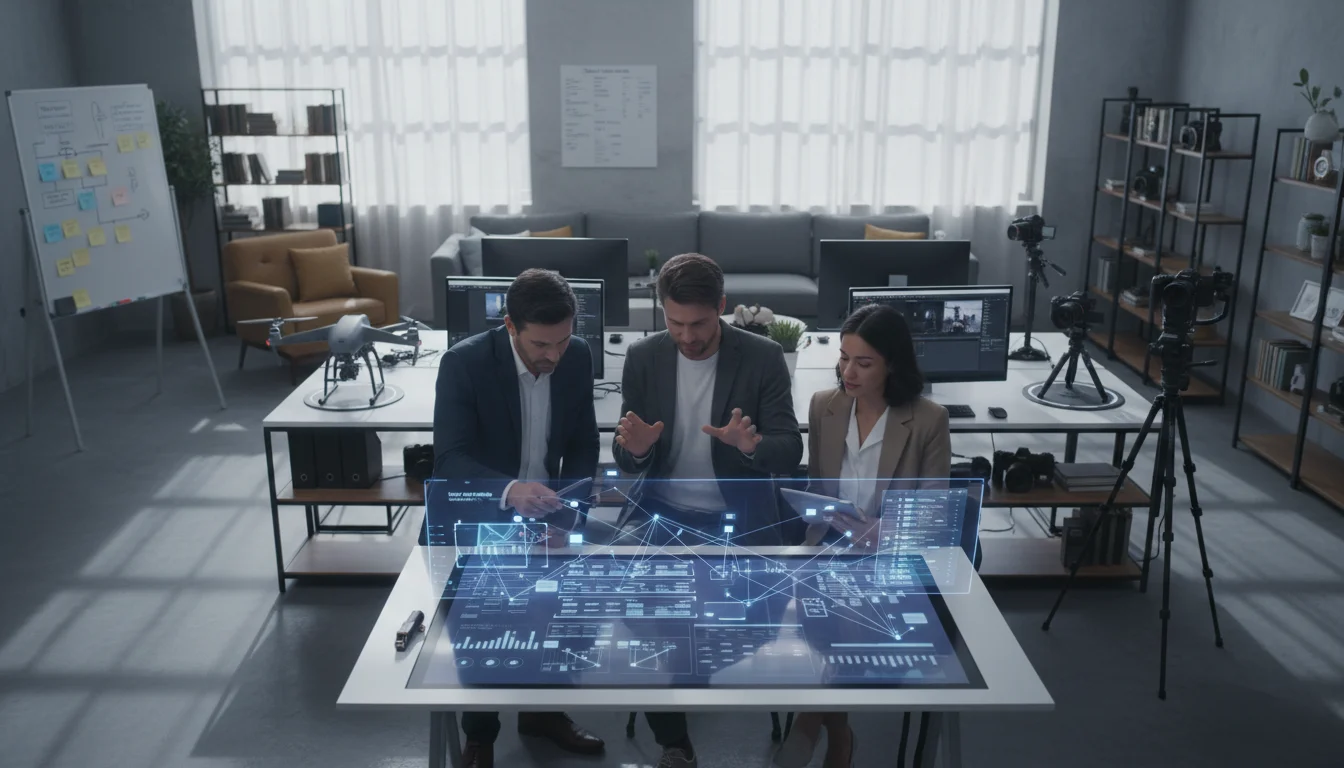
Event videography isn’t just about pointing a camera at speakers and hoping for the best. It’s about capturing the energy, emotion, and essence of moments that matter , then crafting them into stories that resonate long after the last guest leaves.
Whether you’re documenting a product launch, corporate conference, or brand activation, successful event videography requires a blend of technical skill, storytelling instinct, and the ability to anticipate moments before they happen. We’ve spent years perfecting this craft, and the difference between amateur footage and professional event videos often comes down to preparation, positioning, and post-production strategy.
Understanding the Event Videography Space
The event video industry has evolved dramatically. What once meant simply recording speeches now encompasses everything from live streaming to same-day highlight reels. Modern event videography serves multiple purposes: documentation, marketing content, and brand storytelling all rolled into one.
Types of Events That Demand Professional Video
Corporate events represent the largest segment of professional event videography. Product launches, annual meetings, and industry conferences generate content that companies use for months afterward. These events often have budgets that support multiple camera angles, professional audio, and same-day editing.
Brand activations and experiential marketing events create some of the most dynamic video content. These events are designed to be visual, making them perfect for videographers who understand how to capture authentic reactions and genuine moments of engagement.
The Business Case for Professional Event Video
Companies invest in event videography because the content extends the event’s impact far beyond the venue. A well-produced conference video can become training material, recruitment content, and marketing assets. We’ve seen clients generate leads from event videos for over a year after the original event.
The key is understanding that event videography isn’t an expense , it’s content creation. One event can produce dozens of social media clips, testimonial videos, and marketing materials that would cost significantly more to create in a studio setting.
Current Market Trends and Opportunities
Live streaming integration has become standard for most corporate events. Hybrid events , combining in-person and virtual audiences , require videographers who can manage both live production and recorded content simultaneously.
Short-form content creation is driving demand for videographers who can deliver not just a full event video, but also Instagram Reels, LinkedIn posts, and TikTok-style clips optimized for different platforms.
Essential Equipment and Technical Setup
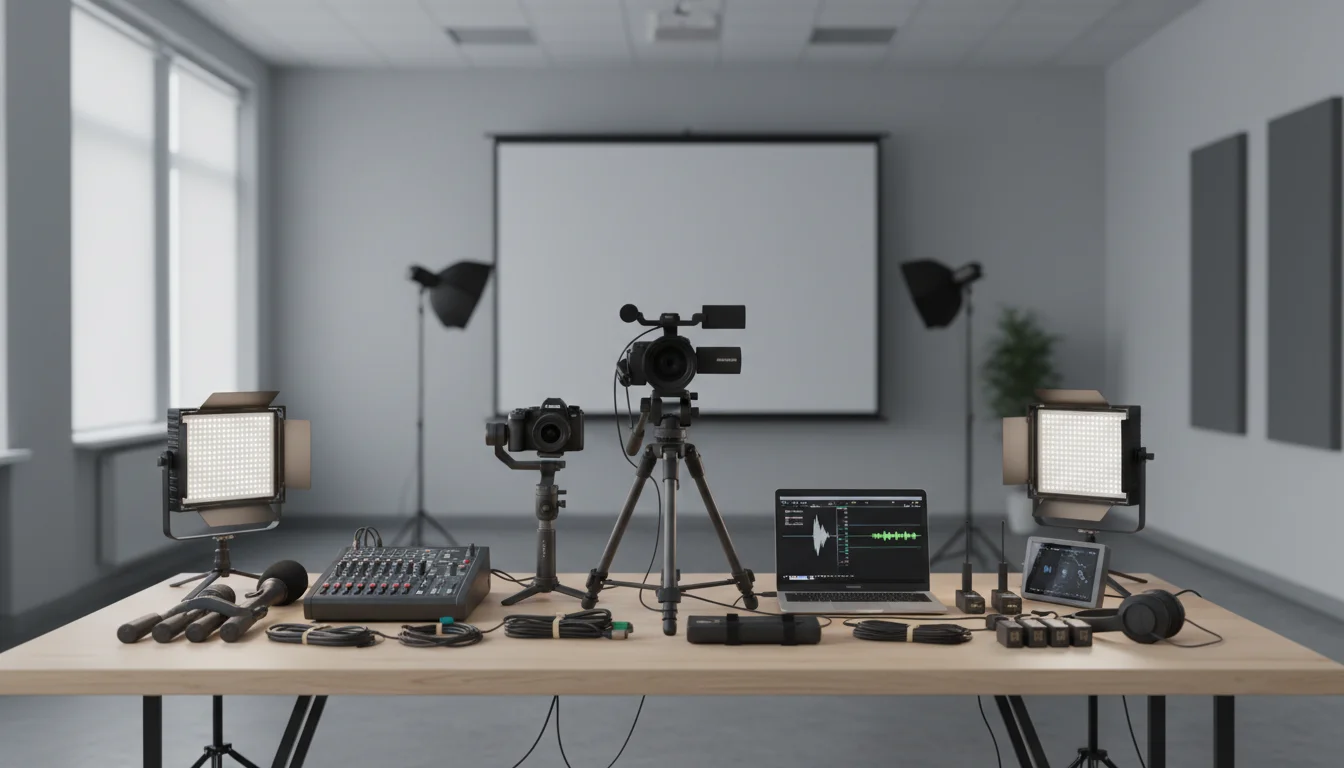
Your gear choices can make or break an event video project. Unlike controlled studio environments, events present unpredictable lighting, audio challenges, and space constraints that demand versatile, reliable equipment.
Camera Systems That Handle Event Challenges
Dual-card recording isn’t optional for event work , it’s insurance. We recommend cameras with excellent low-light performance since event lighting is rarely ideal. Full-frame sensors handle mixed lighting conditions better than crop sensors, and in-body stabilization saves you when tripods aren’t practical.
Multiple camera angles transform basic event coverage into engaging content. A minimum three-camera setup , wide establishing shot, medium speaker shot, and roaming audience camera , provides editing flexibility that single-camera coverage simply can’t match.
Audio Solutions for Complex Environments
Event audio presents unique challenges. Wireless microphone systems with backup recording are essential, but you also need ambient room audio to capture audience reactions and applause. We always run audio cables as backups to wireless systems because interference can happen at the worst possible moments.
Consider the venue’s existing audio system. Many professional venues can provide a direct audio feed from their mixing board, giving you clean speaker audio without the room’s acoustic coloring.
Lighting and Power Management
Portable LED panels have revolutionized event videography. Battery-powered lights let you improve speaker lighting or fill in dark areas without running cables across walkways. However, the best event videographers learn to work with existing lighting rather than fighting it.
Power management becomes critical during all-day events. Bring more batteries than you think you need, and always have charging stations set up in your base area. Nothing kills professional credibility like running out of power during the keynote speech.
Pre-Production Planning That Prevents Problems
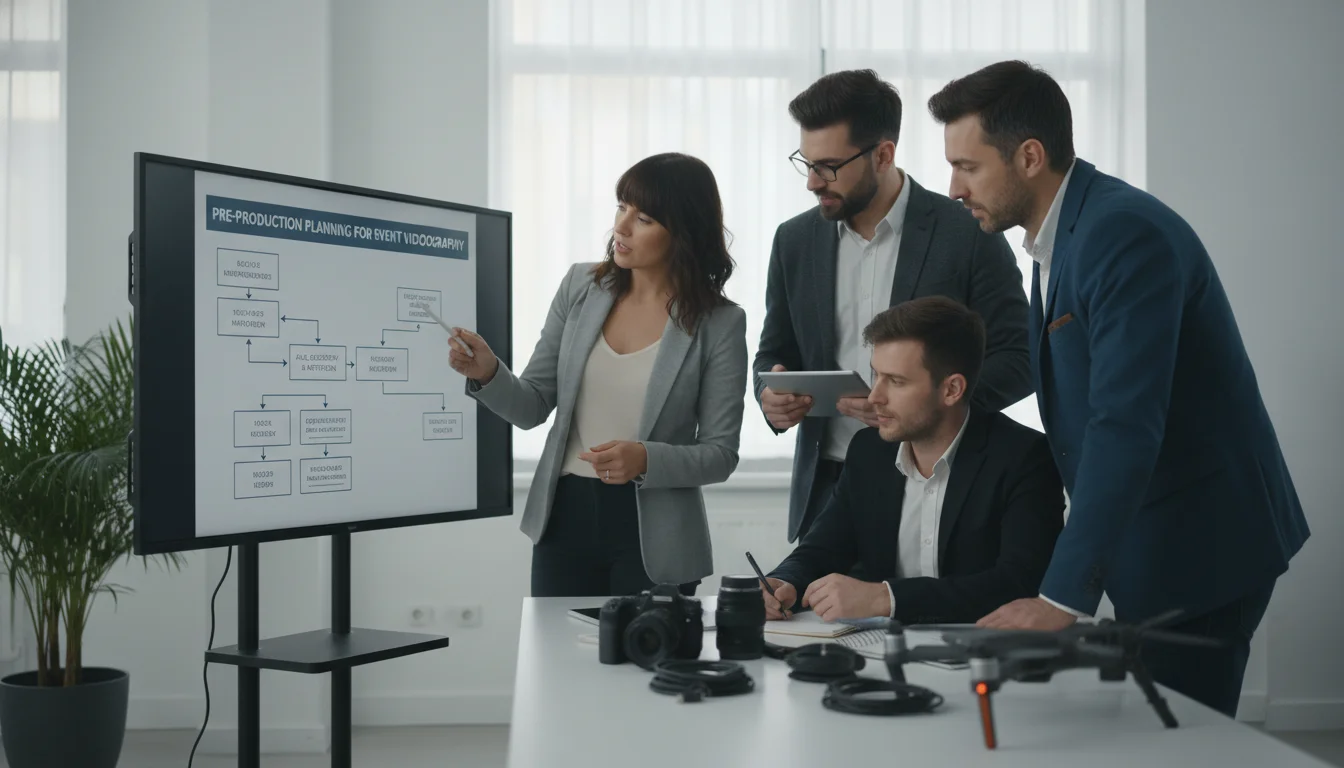
Great event videos start with thorough pre-production. Unlike narrative films where you control every variable, events happen once, and there are no second takes. Your preparation determines whether you capture the story or miss it entirely.
Venue Scouting and Technical Reconnaissance
Visit the venue before event day, ideally during a similar event if possible. Note power outlet locations, lighting conditions at different times of day, and potential camera positions. Many venues have restrictions on where you can place equipment, so confirm these details in advance.
Test your wireless equipment at the venue. Radio frequency interference varies by location and can change throughout the day as other equipment comes online. Identify backup frequencies and have a plan for audio emergencies.
Client Consultation and Expectation Management
Successful event videography starts with understanding the client’s goals. Are they documenting the event for internal use, creating marketing content, or both? The shooting style and post-production approach change dramatically based on the intended use.
Discuss key moments that must be captured. Every event has non-negotiable shots , the CEO’s announcement, the product reveal, the award presentation. Build your shooting schedule around these moments, treating everything else as bonus content.
Creating Shot Lists and Backup Plans
Develop a detailed shot list that includes wide establishing shots, speaker close-ups, audience reactions, and detail shots of branding or products. Share this with your team so everyone understands the coverage priorities.
Always have backup plans. What happens if your main camera position gets blocked? Where’s your alternate audio source if the wireless system fails? Event videography rewards paranoid preparation.
Shooting Techniques for Dynamic Event Coverage
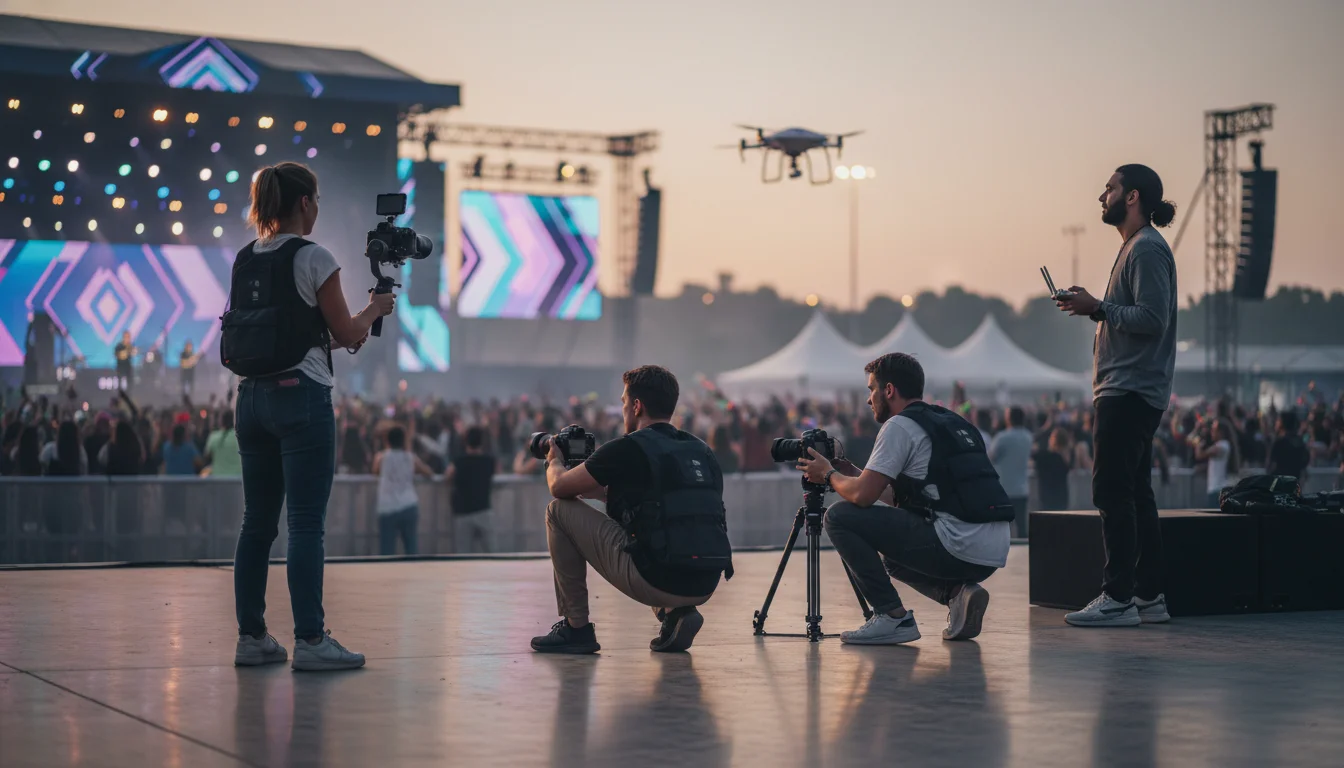
Event videography requires a different mindset than studio work. You’re part documentarian, part storyteller, and part ninja , capturing authentic moments without disrupting the experience for attendees.
Camera Movement and Positioning Strategies
Static shots work for speeches, but events come alive with thoughtful camera movement. Slow, deliberate movements on a gimbal can add cinematic quality without being distracting. However, know when to stay still , during emotional moments or important announcements, stable shots often serve the content better.
Position cameras to capture both the speaker and audience reactions. The most compelling event videos show the impact of the content on the audience, not just the person delivering it. Wide shots that include both elements tell a more complete story.
Managing Multiple Camera Operators
Communication systems become essential with multiple operators. Wireless communication lets you coordinate coverage and ensure you’re not missing key moments. Establish clear roles , who covers the speaker, who focuses on audience reactions, who captures detail shots.
Sync your cameras’ time codes before the event starts. This simple step saves hours in post-production and ensures your multi-camera edit flows smoothly. Use clapperboards or audio sync points at the beginning of each segment.
Capturing Authentic Moments and Reactions
The best event videos balance planned coverage with spontaneous moments. Keep one camera free to capture unexpected interactions, genuine reactions, and behind-the-scenes moments that add authenticity to the final video.
Learn to anticipate emotional beats. Experienced event videographers develop an instinct for when applause will happen, when speakers will pause for effect, or when audience members will have strong reactions. Position yourself to capture these moments before they occur.
Audio Excellence in Challenging Environments
Poor audio kills event videos faster than any visual issue. Audiences will tolerate imperfect video quality, but they won’t sit through content they can’t hear clearly. Event audio requires redundancy, preparation, and real-time problem-solving skills.
Wireless Microphone Systems and Backup Plans
Professional wireless systems with diversity receivers minimize dropouts, but interference can still occur. Always have wired backup microphones ready, and know how to quickly switch between systems. We’ve saved events by having a wired handheld microphone ready when wireless systems failed during important moments.
Coordinate with the event’s audio engineer. Many professional venues can provide a direct feed from their mixing board, giving you clean audio that’s already been balanced for the room. This feed often provides better quality than trying to capture room audio with your own microphones.
Room Tone and Ambient Audio Capture
Don’t ignore the room’s natural audio. Audience applause, laughter, and ambient conversation add life to event videos. Position at least one microphone to capture room tone and audience reactions , this audio becomes important during editing for creating smooth transitions and maintaining energy.
Record room tone during quiet moments for use in post-production. This ambient audio helps smooth edit cuts and provides a consistent audio bed for your final video.
Real-Time Audio Monitoring and Problem Solving
Monitor audio constantly throughout the event. Use quality headphones and check levels regularly, especially when speakers change or when moving between different segments of the program. Audio problems compound quickly if not addressed immediately.
Have a dedicated audio person if the budget allows. While camera operators can monitor their own audio, having someone focused solely on sound quality ensures problems get caught and fixed before they ruin important content.
Post-Production Workflows for Event Content
Event post-production often works under tight deadlines. Clients frequently want highlight reels within 24 hours, and the full event video within a week. Efficient workflows and smart organization become as important as creative editing skills.
File Organization and Data Management
Organize footage immediately after the event. Create a clear folder structure that separates different cameras, audio sources, and event segments. Name files descriptively , “Keynote_Cam1_Audio” is much more useful than “MVI_0047” when you’re editing under deadline pressure.
Back up everything before you start editing. Event footage is irreplaceable, and hard drives fail at the worst possible moments. We use a 3-2-1 backup strategy: three copies of important data, on two different types of media, with one copy stored off-site.
Multi-Camera Editing Techniques
Sync all cameras using audio waveforms or timecode before you start cutting. Most professional editing software can automatically sync multiple camera angles, but verify the sync manually for critical moments like speeches or presentations.
Edit for pacing and energy, not just content coverage. Event videos should feel dynamic even when covering relatively static content like presentations. Use audience reaction shots, cutaways to visual aids, and varied shot sizes to maintain viewer engagement.
Creating Multiple Deliverables from One Event
Plan your edit to generate multiple pieces of content. The same footage can become a full event documentation, a highlight reel, individual speaker segments, and social media clips. Edit the full version first, then extract shorter pieces rather than trying to build everything separately.
Consider different aspect ratios during editing. Square formats work better for Instagram, vertical formats suit TikTok and Instagram Stories, and traditional horizontal formats remain standard for YouTube and professional use.
Building Your Event Videography Business
Event videography offers steady income potential, but building a sustainable business requires more than just technical skills. You need to understand client needs, price services appropriately, and deliver consistent results that generate referrals.
Pricing Strategies and Package Development
Event videography pricing varies dramatically based on location, event size, and deliverables. Day rates for experienced event videographers range from several hundred to several thousand dollars, depending on the market and complexity of coverage required.
Package your services to match different client needs and budgets. A basic package might include single-camera coverage and a highlight reel, while premium packages offer multiple cameras, same-day editing, and complete post-production. This approach lets you serve different market segments without undervaluing your work.
Client Relationship Management and Repeat Business
Event videography thrives on relationships and referrals. Companies that host regular events become valuable long-term clients, and satisfied customers often recommend you to their networks. Focus on building relationships, not just completing individual projects.
Follow up after events with additional content ideas. Many clients don’t realize they can extract more value from their event footage through social media content, training materials, or recruitment videos. Proactive suggestions demonstrate your strategic thinking and can generate additional revenue.
Expanding Services and Specialization Opportunities
Consider specializing in specific types of events or industries. Healthcare conferences have different needs than tech product launches, and developing expertise in particular sectors can command premium pricing. Specialization also makes marketing more focused and effective.
Live streaming capabilities expand your service offerings significantly. Many events now require hybrid coverage , both recorded content and live streaming for remote audiences. Adding this capability can differentiate you from competitors and increase project values.
Measuring Success and Continuous Improvement
Professional event videography requires constant learning and adaptation. Technology evolves, client expectations change, and new opportunities emerge regularly. The most successful event videographers treat each project as both a business opportunity and a learning experience.
Client Feedback and Performance Metrics
Collect detailed feedback after each event. Ask specific questions about what worked well and what could be improved. Client feedback often reveals blind spots in your coverage or workflow that you might not notice otherwise.
Track metrics that matter to your business: client retention rates, referral percentages, and average project values. These numbers tell you more about your business health than just looking at total revenue.
Staying Current with Technology and Trends
Event videography technology evolves rapidly. New camera systems, audio equipment, and editing software can significantly improve your capabilities and efficiency. Budget for regular equipment updates and training to stay competitive.
Follow industry trends in event production and marketing. Understanding how companies use event content helps you anticipate client needs and suggest services that add real value to their marketing efforts.
Building a Portfolio That Attracts Premium Clients
Your portfolio should demonstrate range and quality across different types of events. Include examples that show your ability to capture both intimate moments and large-scale productions. Potential clients want to see that you can handle events similar to theirs.
Focus on storytelling in your portfolio pieces, not just technical quality. Clients hire event videographers to tell their stories, so demonstrate your ability to find and craft compelling narratives from event footage.
Ready to transform your events into compelling visual stories? Contact Emin Media for a free brand consultation and discover how professional event videography can amplify your message and extend your event’s impact far beyond the venue.
Enjoyed this article?
Contact Emin Media for a free brand consultation and let's create something amazing together.
Get in TouchRelated Articles
Digital Storytelling for Business: 2026 Playbook
Digital storytelling for business explained: frameworks, tools, mistakes to avoid, and a 2026 playbook to…

Startup Marketing: A Practical Growth Guide (2026)
Startup marketing is your roadmap to customers and revenue. Learn proven strategies, budgeting tips, and…

Facebook Digital Creator: The 2026 Complete Guide
Become a facebook digital creator in minutes. Explore monetization tools, pro tips, and step-by-step setup…