Best Digital Passport Photo Camera Guide 2026
Key Takeaways
- A dedicated digital passport photo camera automatically enforces official framing and exposure to virtually eliminate photo rejections.
- Standalone systems like the Kodak FZ55 and Sony CyberShot H300 combine a preconfigured camera with instant printing – no computer required.
- U.S. State Department standards demand a neutral expression, both eyes open, and no head coverings (except for medical or religious reasons).
- Bundles often include a 108-sheet paper pack, enabling hundreds of passport photos per roll and slashing per-photo costs for high-volume users.
- Entry-level systems start at $213.17; full turnkey setups run up to $695.00, with ROI achievable in as little as six weeks for active businesses.
- Dye-sublimation printers like the CP1500 ($227.95) pair directly with these cameras for lab-quality 2×2 prints in roughly 30 seconds.
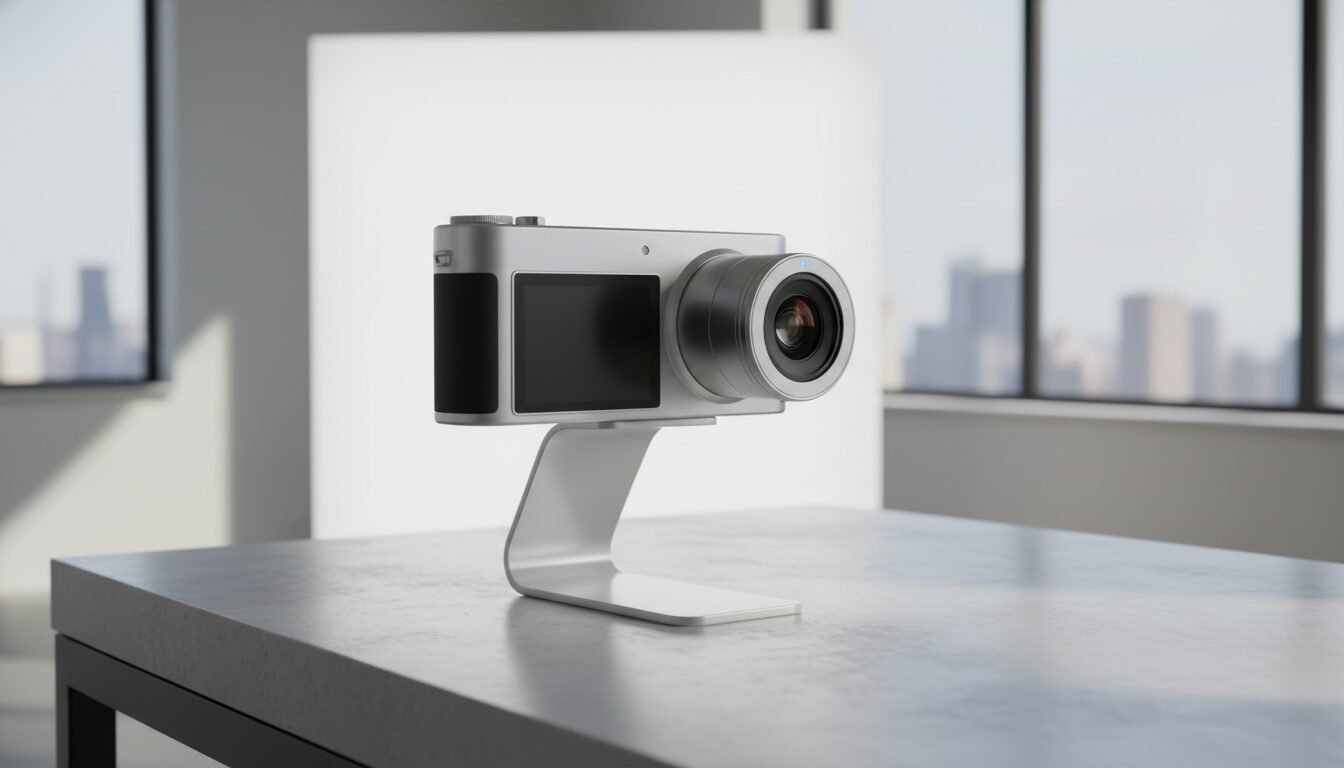
A digital passport photo camera is a purpose-built device preconfigured to capture images that strictly meet government passport specifications, using built-in composition guides and fixed settings.
What Is a Digital Passport Photo Camera?
Definition and Core Functionality
A photo camera is a specialized imaging tool engineered to produce photos that comply with official passport and ID regulations. Unlike a conventional camera, it arrives pre-set with parameters such as aspect ratio, white balance, and focal length calibrated precisely to what agencies like the U.S. State Department require. The core functionality includes a live composition guide – often a decal on the LCD screen – that shows exactly where the subject’s head and shoulders should appear, removing the guesswork from framing entirely.
How It Differs from a Standard Camera
Standard point-and-shoots and DSLRs are built for versatility, leaving the user to manually adjust settings for each scenario. A this type of camera locks these variables to an approved baseline: resolution is fixed at a minimum of 16 megapixels, flash power is set to avoid shadows or overexposure, and the image saves directly to a formatted SD card without post-processing. This foolproof design is why businesses like UPS Stores rely on them. Passport Supply even includes a one-year hot swap exchange warranty specifically for UPS Store customers.
The Role of Pre-Configuration
Pre-configuration means the camera arrives ready to use straight out of the box. The Kodak FZ55, offered by Passport Supply at $213.17, includes an SD memory card, rechargeable battery, AC wall charger, and operator manual – all formatted and tested for passport photography. The pre-applied decal on the LCD screen provides a clear outline of the subject’s head and shoulders, so every shot automatically meets compositional requirements without any software or computer intervention.
Why Choose a Dedicated Camera Over a Smartphone?
Consistent Compliance with Official Standards
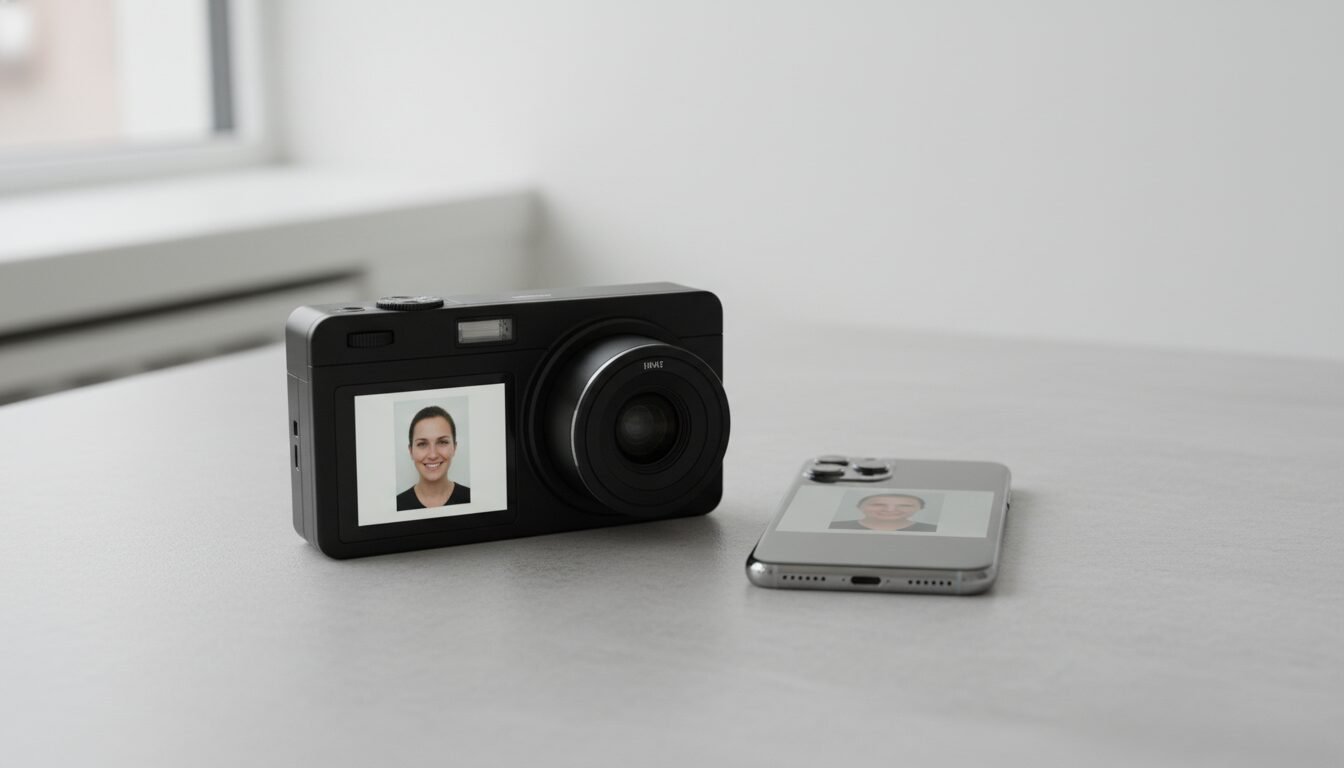
A dedicated this kind of photo camera delivers locked-down consistency that no smartphone can match out of the box. Smartphones introduce variables like automatic beauty modes, HDR processing, and color temperature shifts that can lead to a rejected photo. A purpose-built camera eliminates these risks because its firmware is preconfigured to deliver the exact 1:1 aspect ratio, neutral color balance, and brightness levels the government expects.
“The single biggest cause of passport photo rejection is incorrect head size or framing – problems that a preconfigured camera with a composition overlay eliminates by design.” – Passport Supply product documentation
Speed and Workflow Efficiency for Businesses
For a storefront processing multiple passport applications per day, speed translates directly to revenue. A standalone system like the Canon Premium Passport Photo System Bundle from KLAI-CO combines a 20.1-megapixel Sony CyberShot H300 camera with a digital printer and a tabletop cutter. The operator composes the shot using the clear overlay sticker, presses the shutter, and prints within seconds – no file transfer, no editing software, no wasted time.
Eliminating Post-Processing Guesswork
Even with free software like GIMP, cropping a smartphone photo to exact passport dimensions and adjusting the background to plain white is error-prone. A the passport photo camera sidesteps this entirely: the image is captured with correct framing and background exposure from the start. The included SD card can be handed directly to the customer or used for immediate printing, ensuring a compliant photo every time.
Smartphone Apps: A Viable Alternative?
Smartphone passport photo apps have improved significantly, and as of 2026, several apps can auto-crop and background-replace a selfie to meet basic government specs. Apps like those featured in competitor SERP results promise compliant photos in 30 seconds. The catch: app quality varies widely, phone cameras still apply automatic processing that can shift skin tones, and the final print depends entirely on the output device. For occasional personal use, an app may suffice. For any business processing more than a handful of applications per week, a dedicated camera remains the more reliable and cost-effective choice.
Key Features to Look For in a Digital Passport Photo Camera
Megapixel Count and Image Quality
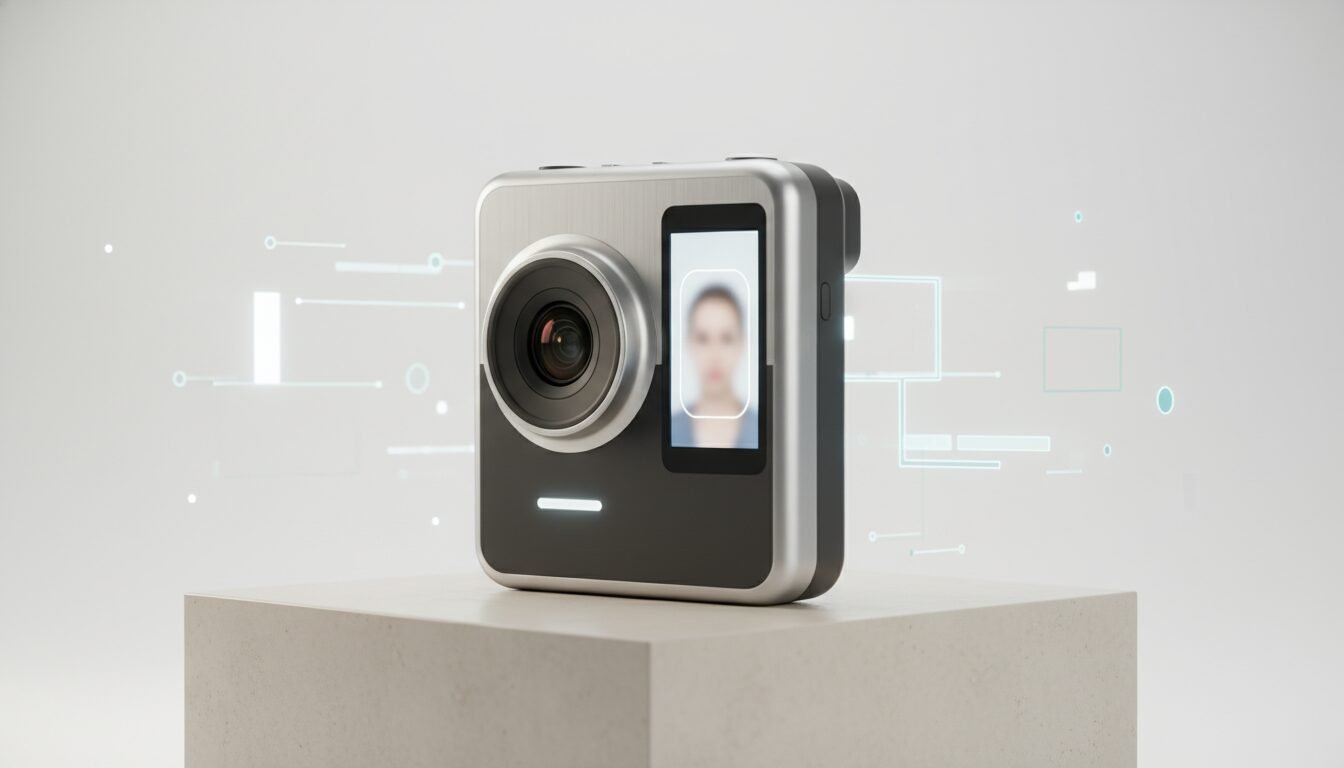
Resolution matters because passport photos are printed at 2×2 inches but must show fine details like hair and facial features without pixelation. The U.S. State Department specifies a minimum image size of 2048×2048 pixels (equivalent to roughly 600 DPI at 2×2 inches), and industry practice has settled on 16 megapixels as the practical minimum for a digital passport. Higher-resolution options, such as the 20.1-megapixel Sony CyberShot H300 sensor in the KLAI-CO system, provide extra sharpness and allow slight cropping if needed.
Composition Guide Overlays
A physical or digital overlay on the camera’s LCD is arguably the most critical feature. It outlines where the subject’s head should fit – typically 1 to 1 3/8 inches from chin to crown – and where the shoulders should align. Both the Kodak FZ55 and the Sony H300 bundles include pre-applied guide stickers, making it nearly impossible to mis-frame a shot. Passport Supply also sells a removable checklist overlay for different country standards, including a US/Canadian overlay priced at $4.70.
Standalone Printing Capabilities
A photo camera paired with a dedicated printer creates a one-stop solution. The CP1500 passport photo printer ($227.95 from Passport Supply) connects directly to the camera and produces lab-quality 2×2 prints on dye-sublimation media. This integrated approach eliminates the need for a computer and guarantees that the printed output matches the captured image exactly, avoiding the color shifts that consumer inkjets commonly introduce.
CP1500 Printer: Features Beyond the Price Tag
The CP1500 deserves a closer look. It uses dye-sublimation technology, which means it requires no liquid ink – only a combined ribbon-and-paper pack. Each print is laminated during the process, making it water-resistant and durable enough to satisfy government inspection. The printer outputs a standard 4×6 sheet formatted with two 2×2 passport photos side by side, and a tabletop cutter trims them cleanly. Print speed is approximately 30 seconds per sheet, and the ribbon packs are available as standalone refills, keeping ongoing consumable costs predictable.
Top Digital Passport Photo Camera Models in 2026
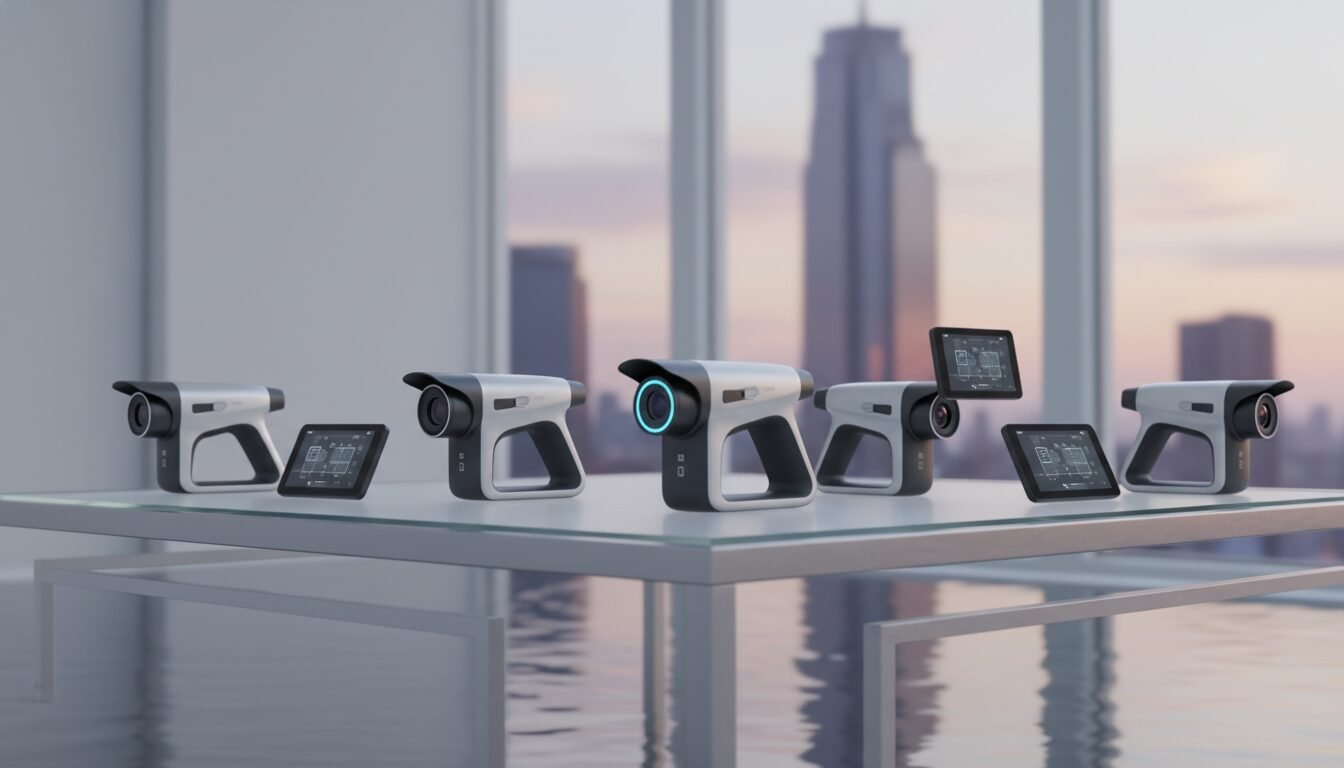
The table below compares three leading preconfigured cameras designed specifically for passport photography. All are standalone units that require no computer or additional software.
| Model | Megapixels | Key Features | Bundle Price (USD) | Where to Buy |
|---|---|---|---|---|
| Kodak FZ55 | 16 | Point-and-shoot, LCD decal guide, SD card, battery, wall charger | $213.17 (camera only) | Passport Supply |
| Kodak AZ405 | 16 | DSLR-style body, optical zoom, larger grip, preconfigured | $322.95 (camera only) | Passport Supply |
| Sony CyberShot H300 | 20.1 | DSLR-style, Super CCD sensor, pop-up flash, includes printer, cutter, 108-sheet media pack | $695.00 (complete system) | KLAI-CO |
Kodak FZ55: The Entry-Level Workhorse
The FZ55 is the most accessible this type of camera on the market. At $213.17, it gives small bureaus and even home-based businesses a reliable tool that ships with a formatted SD card and a rechargeable battery. Its simplicity is its strength: the operator turns it on, frames the subject inside the head-and-shoulders decal, and clicks. Images save directly to the card, ready for transfer to a printer or a PC. Passport Supply offers free shipping on orders over $50, making this a very practical entry point.
Kodak AZ405: DSLR-Style Precision
For those who prefer a more substantial grip and a DSLR-style body, the AZ405 costs $322.95 and adds optical zoom capability. While optical zoom is not strictly necessary for passport photos captured at a fixed distance, the larger body offers better stability and battery life. It ships with the same preconfiguration as the FZ55 and is compatible with all of Passport Supply’s passport accessories, including the $53.15 Premium Tripod with Camera Riser.
Sony CyberShot H300: Premium System Power
The H300-based system sold by KLAI-CO is an all-in-one powerhouse. For $695.00, you get the 20.1-megapixel camera, a dedicated digital photo printer, a tabletop photo cutter, a printer battery, an SD card, a battery and charger, a custom quick-reference instruction sheet, and a 108-pack of paper and media. The camera’s Super CCD sensor and pop-up flash ensure even lighting, even in less-than-ideal ambient conditions. This system is built for high-volume settings and is 100% standalone.
How to Use a Digital Passport Photo Camera: Step-by-Step
Step 1: Set Up the Camera and Printer
Unbox the camera, insert the provided SD card and battery, and power it on. If your bundle includes a printer, connect it using the supplied cable (typically USB). The camera’s menu should already be set to the printer profile, but consult the quick-reference sheet for your specific model. Place the camera on a tripod at eye level, roughly 4 feet from the subject.
Step 2: Position the Subject Correctly
Have the subject stand in front of a plain white or off-white background. According to the U.S. State Department, the person must face the camera directly with a neutral expression, both eyes open, and mouth closed. No glasses are permitted unless they cannot be removed for medical reasons and are not tinted. Use the composition overlay on the LCD to align the subject’s head within the outline. The overlay ensures the head is sized between 1 and 1 3/8 inches from chin to crown in the final 2×2 print.
Step 3: Capture and Print
Once framed, press the shutter button. The camera records the image to the SD card. With a standalone system, press the print button on the camera or printer to output the photo immediately. Using the CP1500 or the printer included in the H300 bundle, the first print appears in roughly 30 seconds. A tabletop cutter then trims the single sheet into two clean 2×2 photos.
The Complete Passport Photo System: Cameras, Printers, and Accessories
Bundled vs. Modular Systems
A complete this kind of photo camera system can be purchased as a pre-bundled kit or built from modular components. KLAI-CO’s $695.00 bundle is a turnkey solution, while Passport Supply lets you mix and match: pair the $213.17 FZ55 camera with the $227.95 CP1500 printer and the $53.15 tripod, for example. The modular approach lets you start with just the camera and add a printer later, whereas a bundle guarantees that every piece works together from day one.
Essential Accessories: Tripods, Cutters, and Media
Beyond the camera and printer, professional-grade results require a stable tripod and a precise paper cutter. The Premium Tripod from Passport Supply includes a camera riser that adjusts height for different subjects. Media cost is another factor: the 108-sheet pack included with the H300 system yields approximately 432 individual passport photos, assuming four photos per sheet. Standalone paper refills are available separately and keep per-photo consumable expenses predictable and low.
Maintenance and Warranty Considerations
Since a the passport photo camera is a business investment, warranty terms matter. Passport Supply provides a one-year hot swap exchange for all UPS Store customers – if a camera fails, a replacement ships immediately. The KLAI-CO Canon Premium Bundle comes with a standard manufacturer warranty. Routine maintenance is minimal: clean the lens, keep the battery charged, and replace the SD card if it becomes corrupted. Dye-sublimation printers require no liquid ink, only replacement ribbon and paper packs.
Official Passport Photo Requirements and How Dedicated Cameras Meet Them
U.S. State Department Digital Photo Standards
The U.S. State Department defines exact specifications for digital passport photos: a square 2048×2048-pixel image (or 2×2 inches at 300 DPI), a plain white or off-white background, no shadows on the face or background, and a full-face view with the subject looking directly at the camera. A camera enforces these parameters automatically because its resolution, framing guide, and flash compensation are calibrated for exactly this standard.
“Photos must be in color, printed on photo-quality paper, and taken within the last 6 months to reflect your current appearance.” – U.S. Department of State, Passport Photo Requirements
Common Reasons for Rejection and How Preconfigured Cameras Avoid Them
The most frequent photo rejections stem from incorrect head size, a tilted head, shadows behind the ears, or an over- or under-exposed face. With a preconfigured digital passport photo camera, the head-size overlay physically prevents sizing errors; the pop-up flash and fixed exposure cancel out shadows; and the locked white balance guarantees a true-white background. The Sony H300’s Super CCD sensor and pop-up flash work together to balance fill light, eliminating the side-shadows that routinely plague smartphone photos.
Additional Country-Specific Guidelines
Different countries have slightly different photo dimensions and compositional rules. The same digital passport photo camera can serve multiple standards by swapping the overlay decal. Passport Supply sells a $4.70 checklist overlay covering both US and Canadian photos. For European Union formats, some systems offer adjustable firmware profiles. The core advantage remains consistent: the camera handles technical compliance, and the operator only needs the correct overlay.
Pros and Cons
Pros
- Automatic compliance: Preconfigured settings and composition overlays virtually eliminate rejection due to framing or exposure errors.
- No computer required: Standalone systems print directly from the camera, making them ideal for storefronts and mobile setups.
- Low per-photo cost: A 108-sheet media pack yields roughly 432 photos, driving consumable costs well below the $1 mark per photo.
- Fast turnaround: Dye-sublimation printing delivers finished 2×2 prints in approximately 30 seconds per sheet.
- Business-grade durability: Models like the Kodak AZ405 and Sony H300 are built for high-volume daily use, with warranty support from dedicated suppliers.
Cons
- Upfront investment: Entry starts at $213.17 for the camera alone; a full system runs up to $695.00, which may be steep for occasional personal use.
- Single-purpose hardware: Unlike a smartphone, a dedicated passport camera does not double as a general-purpose device.
- Consumable dependency: Dye-sublimation printers require proprietary ribbon-and-paper packs; running out mid-session means downtime until a refill arrives.
- Limited creative flexibility: Fixed settings are a feature for compliance but a limitation if you ever need the camera for non-passport photography.
Cost Analysis: Investment vs. Savings Over Time
Upfront Hardware Costs
Entry into dedicated passport photography starts at $213.17 for the Kodak FZ55 camera alone and runs up to $695.00 for a full turnkey system. For comparison, a high-end smartphone capable of capturing a compliant photo costs upwards of $800, yet still requires a passport-photo app and manual editing. The dedicated camera’s calibration is a one-time investment with no recurring software fees.
Per-Print Consumable Expenses
Consumables are where a digital passport photo camera system truly shines. The 108-sheet media pack included with the H300 bundle prints four 2×2 photos per sheet, producing over 400 photos from a single pack. This volume approach drives the per-photo cost well below the $1 mark. By contrast, retail pharmacy passport prints typically cost $10 to $15 for a pair, according to standard retail pricing across major pharmacy chains.
When a Standalone System Pays for Itself
A UPS Store or similar business processing just 10 passport applications per week can see a return on investment in under three months. Saving roughly $12 per application means $120 per week in recovered margin, which covers the cost of a $695.00 bundle in about six weeks. Even a home-based sole proprietor can recoup the $213.17 camera cost after helping a handful of neighbors avoid pharmacy fees.
Frequently Asked Questions
Can I use a regular digital camera for passport photos?
Yes, but a regular camera requires manual framing, exposure adjustment, and post-production cropping to meet official standards. A dedicated digital passport photo camera removes these steps with a preset composition guide and fixed settings, making compliance far more consistent.
Do I need a special printer for passport photos?
Not necessarily, but a dye-sublimation passport printer like the CP1500 ensures color accuracy and long-term durability. Standard inkjet printers may produce photos that fade or fail government inspection due to color shifts and paper quality issues.
Is a 16-megapixel camera enough for passport photos?
Yes, 16 megapixels is widely considered the practical minimum for a digital passport photo camera because it provides ample resolution for a 2×2-inch print. Higher resolutions like 20.1 megapixels offer a useful safety margin for slight cropping without quality loss.
What is included in a typical digital passport photo camera bundle?
A basic bundle includes the camera, an SD card, a battery and charger, and an operator’s manual. Premium bundles add a dedicated photo printer, a paper cutter, a 108-sheet media pack, and a composition guide sticker – everything needed to start printing compliant photos immediately.
How long does it take to print a passport photo with these systems?
A standalone digital passport photo camera system can print a pair of 2×2 photos in approximately 30 seconds after capture, thanks to the direct-to-printer connection and fast dye-sublimation technology. The tabletop cutter then trims the sheet in seconds.
Does the U.S. State Department endorse any specific camera brand?
The State Department does not endorse brands; it publishes technical specifications that any camera can meet. A digital passport photo camera from suppliers like Passport Supply or KLAI-CO is simply preconfigured to meet those specs reliably, removing the guesswork for operators and customers alike.
Ready to build a passport photo operation that runs itself? Contact Emin Media for a free brand consultation and let’s build something bold together.
Enjoyed this article?
Contact Emin Media for a free brand consultation and let's create something amazing together.
Get in Touch