Digital Doc Camera: Pro Video Production Game-Changer
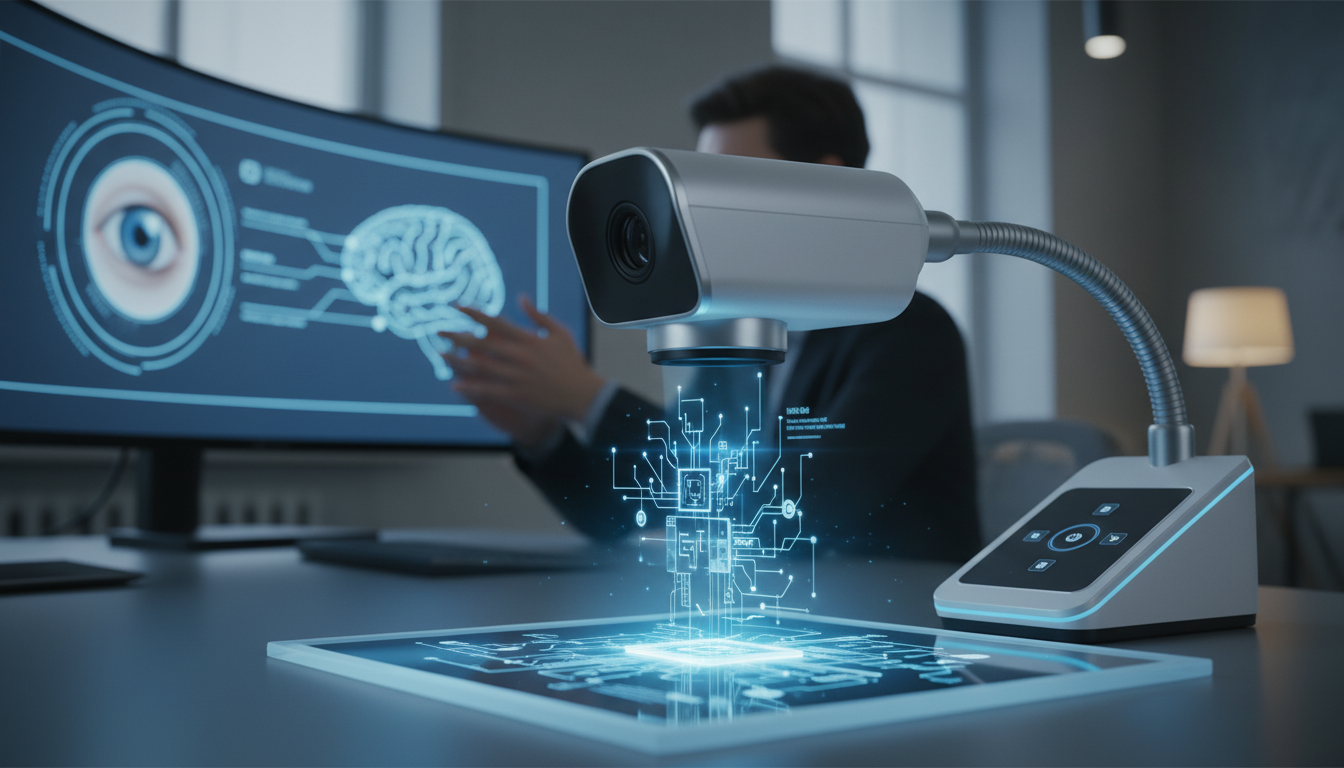
The digital doc camera isn’t just another piece of equipment — it’s the secret weapon that separates amateur video content from professional productions. While most creators obsess over expensive cinema cameras, smart videographers know that precision document cameras deliver the crisp, detailed shots that make brands look polished and trustworthy.
These specialized imaging tools excel at capturing fine details, text, and close-up work that traditional cameras struggle with. From product demonstrations to educational content, the right digital doc camera transforms how you tell visual stories.
Understanding Digital Doc Camera Technology
Digital doc cameras represent a specialized branch of imaging technology designed for precision capture of documents, small objects, and detailed surfaces. Unlike traditional video cameras optimized for motion and wide shots, these devices excel at static, high-resolution imaging with exceptional clarity.
Core Technical Specifications
The foundation of any quality digital doc camera lies in its optical system. Most professional models feature fixed focal length lenses optimized for close-range work, typically operating between 6-24 inches from the subject. Resolution capabilities range from standard 1080p to 4K, with some specialized units pushing beyond 8K for scientific applications.
USB connectivity dominates the market, with USB 2.0 and 3.0 protocols handling data transfer. This plug-and-play approach eliminates complex setup procedures while ensuring compatibility across platforms. Advanced models incorporate liquid lens technology for rapid autofocus adjustments.
Sensor Technology and Image Processing
CMOS sensors power most modern digital doc cameras, offering superior low-light performance compared to older CCD technology. Image processing engines handle real-time color correction, exposure adjustment, and digital zoom functions without compromising image quality.
Professional units often include manual exposure controls, allowing operators to fine-tune settings for specific lighting conditions. White balance presets accommodate various lighting scenarios, from fluorescent office environments to tungsten studio setups.
Form Factor and Ergonomics
Compact handheld designs characterize most digital doc cameras, prioritizing portability and ease of use. Ergonomic grips reduce operator fatigue during extended shooting sessions, while intuitive button layouts enable quick setting adjustments.
Some models feature articulating heads or flexible positioning systems, allowing operators to capture subjects from multiple angles without repositioning the entire unit. This flexibility proves invaluable for dynamic presentations and live demonstrations.
Professional Applications in Video Production
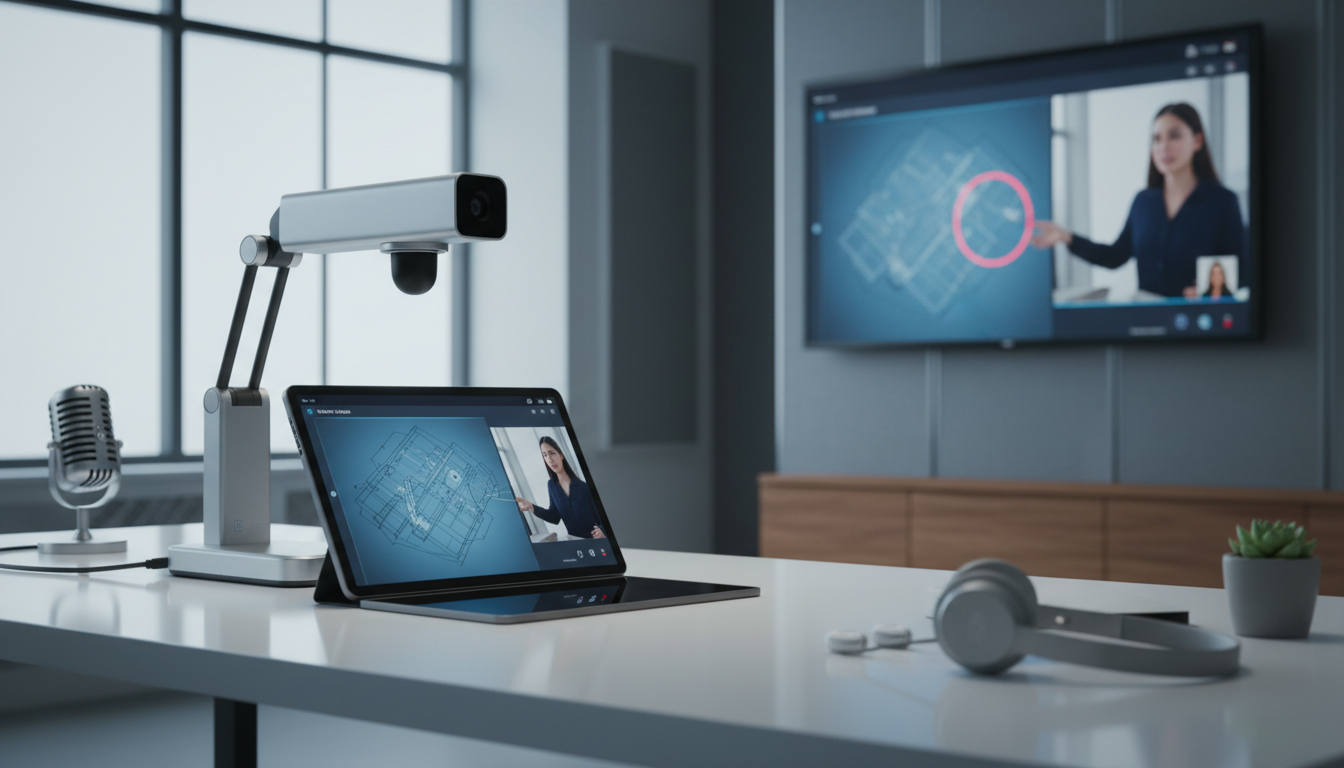
Creative professionals have discovered new ways to integrate digital doc cameras into their production workflows, often achieving results that would require significantly more expensive equipment using traditional methods.
Product Photography and Demonstrations
E-commerce brands rely heavily on digital doc cameras for product detail shots and demonstration videos. The precision focus capabilities allow creators to showcase intricate product features, textures, and craftsmanship that broader camera shots might miss.
Fashion brands use these cameras to capture fabric textures, jewelry details, and construction elements that communicate quality to potential customers. The consistent lighting and focus ensure every product appears professional and appealing across marketing materials.
Educational Content Creation
Online educators and training professionals use digital doc cameras for instructional content that requires detailed visual explanation. Art instructors demonstrate drawing techniques, while technical trainers show component assembly processes with crystal-clear detail.
The ability to capture handwriting, diagrams, and small-scale demonstrations makes these cameras indispensable for tutorial content. Viewers can follow along with confidence, seeing every detail of the instructor’s work.
Corporate Training and Presentations
Business presentations benefit enormously from digital doc camera integration. Complex documents, charts, and physical samples can be displayed with professional clarity, eliminating the need for expensive projection systems or elaborate lighting setups.
Training departments use these cameras for equipment demonstrations, safety procedures, and technical documentation. The portability allows trainers to bring professional-quality visual aids to any location.
Choosing the Right Digital Doc Camera for Your Needs
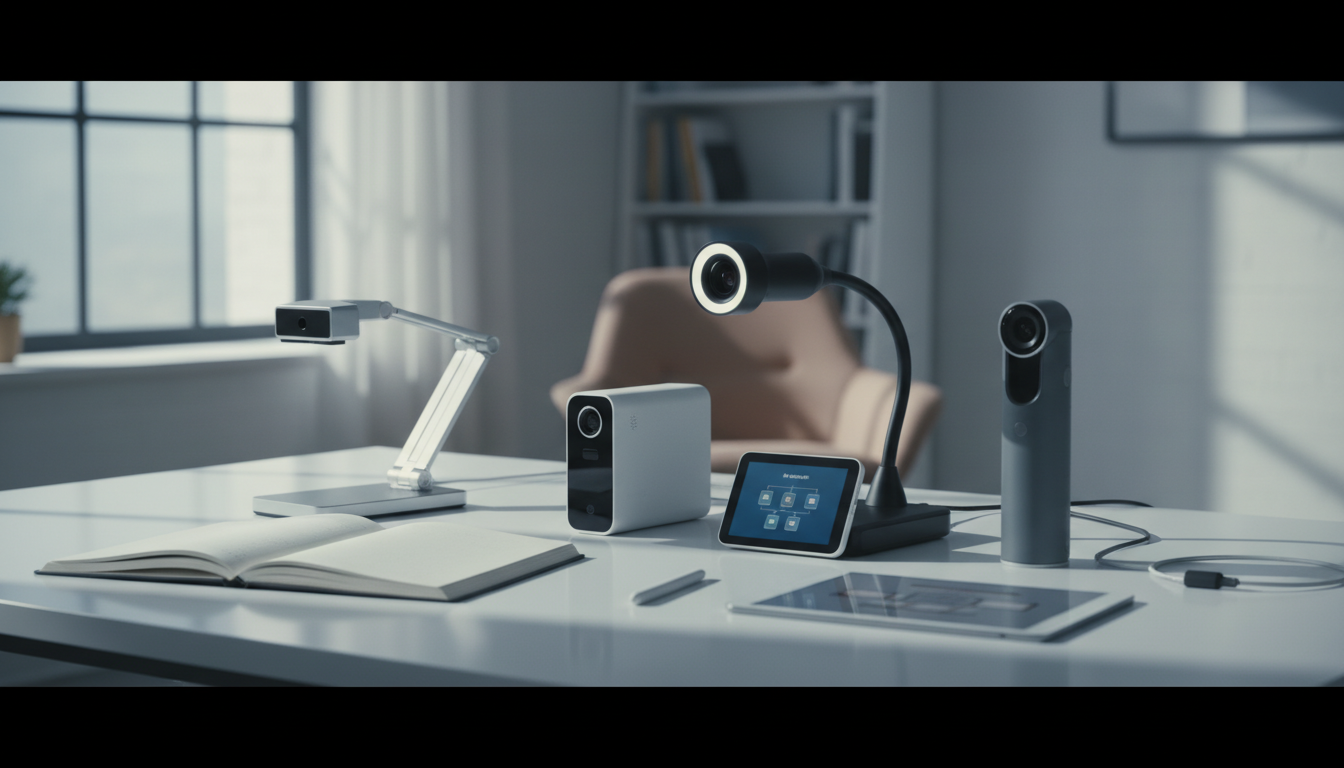
Selecting the appropriate digital doc camera requires careful consideration of your specific production requirements, budget constraints, and technical capabilities.
Resolution and Image Quality Requirements
Your target output format should drive resolution decisions. Standard 1080p cameras suffice for most web content and presentations, while 4K capabilities future-proof your investment and provide additional cropping flexibility in post-production.
Consider your typical subject matter when evaluating image quality needs. Text-heavy applications demand sharp edge definition, while product photography might prioritize color accuracy and dynamic range. Test various models with your specific content types before making final decisions.
Connectivity and Compatibility
USB connectivity remains the standard, but evaluate your existing equipment ecosystem. Some cameras offer wireless capabilities for increased flexibility, though this often comes with battery life considerations and potential latency issues.
Software compatibility varies significantly between manufacturers. Ensure your chosen camera works smoothly with your preferred editing software and streaming platforms. Some units include proprietary software that might limit your workflow options.
Budget Considerations and ROI
Entry-level digital doc cameras start around $150, while professional models can exceed $500. Calculate the cost savings compared to alternative solutions — a quality doc camera often replaces multiple pieces of equipment while delivering superior results.
Factor in long-term durability and manufacturer support. Professional units typically offer better build quality and longer warranties, making them more cost-effective for heavy use scenarios.
Setting Up Your Digital Doc Camera Workflow
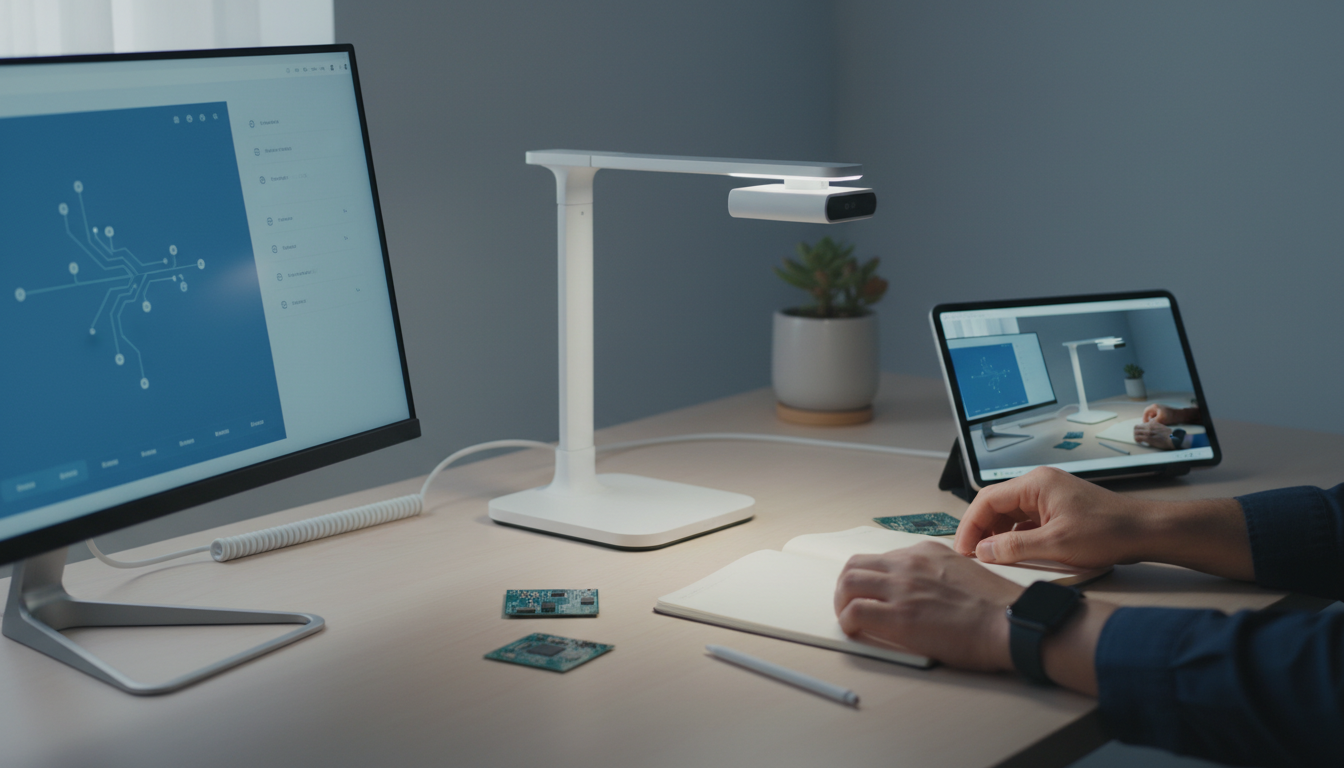
Successful integration of a digital doc camera into your production process requires thoughtful planning and systematic approach to both technical setup and creative implementation.
Technical Configuration and Calibration
Begin with proper driver installation and software configuration. Most modern digital doc cameras offer plug-and-play functionality, but optimal performance requires attention to resolution settings, frame rates, and color profiles.
Calibrate your camera for your typical working environment. Set custom white balance for your primary lighting conditions, and establish exposure presets for common scenarios. Document these settings to ensure consistency across projects and team members.
Lighting Setup and Environmental Control
Consistent lighting transforms digital doc camera output from amateur to professional. Position your primary light source at a 45-degree angle to minimize shadows while maintaining dimensional depth. Avoid direct overhead lighting, which creates harsh shadows and uneven illumination.
Consider your background carefully. Neutral colors work best for most applications, while textured surfaces can add visual interest without distracting from your subject. Maintain consistent distance between camera and subject to ensure repeatable results.
Integration with Existing Production Tools
Digital doc cameras excel when integrated thoughtfully with your existing production ecosystem. Use them as secondary cameras in multi-camera setups, or as specialized detail cameras within larger productions.
Develop standard operating procedures for your team. Create templates for common shot types, establish naming conventions for captured content, and document best practices for different subject types. This systematization ensures consistent quality regardless of who operates the equipment.
Creative Techniques and Advanced Applications
Moving beyond basic documentation, creative professionals have developed sophisticated techniques that maximize the artistic potential of digital doc cameras in video production.
Macro Photography and Extreme Close-ups
The precision optics of digital doc cameras enable macro-style photography that reveals hidden details and textures. This capability opens creative opportunities for abstract visuals, product hero shots, and artistic content that stands out in crowded social media feeds.
Experiment with unconventional subjects — fabric weaves, natural textures, or everyday objects photographed at extreme magnification can create compelling visual content. The key lies in finding beauty in unexpected details that broader cameras cannot capture effectively.
Stop-Motion and Time-Lapse Applications
The consistent positioning and focus capabilities of digital doc cameras make them excellent tools for stop-motion animation and time-lapse photography. Document creation processes, artistic techniques, or product assembly sequences with professional consistency.
Software integration allows for automated capture sequences, enabling complex time-lapse projects without constant manual intervention. This automation opens possibilities for long-duration projects that would be impractical with traditional camera setups.
Multi-Angle Documentation Techniques
Advanced users employ multiple digital doc cameras to capture subjects from various angles simultaneously. This approach works particularly well for instructional content, where viewers benefit from seeing processes from multiple perspectives.
Coordinate multiple cameras through software control systems, ensuring synchronized capture and consistent settings across all units. This technique creates immersive educational experiences that traditional single-camera setups cannot match.
Industry-Specific Use Cases and Success Stories
Different industries have embraced digital doc cameras in unique ways, developing specialized applications that demonstrate the versatility and value of these precision imaging tools.
Healthcare and Medical Documentation
Medical professionals use digital doc cameras for patient education, procedure documentation, and training materials. The ability to capture fine details with consistent quality makes these cameras invaluable for creating educational content that helps patients understand complex procedures.
Dental practices particularly benefit from intraoral camera technology, using specialized digital doc cameras to show patients detailed views of their oral health. This visual communication improves treatment acceptance and patient understanding significantly.
Manufacturing and Quality Control
Manufacturing facilities integrate digital doc cameras into quality control processes, documenting assembly procedures and capturing defect details for analysis. The consistent image quality enables reliable comparison across production runs and shifts.
Training departments use these cameras to create detailed procedural documentation, ensuring new employees can see exactly how tasks should be performed. This visual training approach reduces errors and accelerates the learning process.
Legal and Forensic Applications
Legal professionals employ digital doc cameras for evidence documentation, creating detailed records of documents, physical evidence, and crime scenes. The high resolution and color accuracy ensure that critical details are preserved for court presentation.
Insurance adjusters use portable digital doc cameras to document damage claims with professional quality, reducing disputes and accelerating claim processing. The ability to capture fine details helps support accurate damage assessments.
Maintenance, Troubleshooting, and Best Practices
Proper maintenance and operational procedures ensure your digital doc camera delivers consistent performance throughout its operational life while minimizing technical issues that could disrupt production schedules.
Regular Maintenance Procedures
Clean lens surfaces regularly using appropriate microfiber cloths and lens cleaning solutions. Avoid harsh chemicals that might damage specialized coatings. Store cameras in protective cases when not in use, particularly in dusty or humid environments.
Update firmware and software regularly to maintain compatibility with evolving operating systems and software platforms. Manufacturers often release updates that improve performance, add features, or resolve compatibility issues.
Common Technical Issues and Solutions
Focus problems often stem from incorrect distance settings or dirty lens surfaces. Establish standard operating distances for different subject types and mark these positions for quick setup. If autofocus systems malfunction, check for software conflicts or driver issues.
Color accuracy problems usually indicate white balance misconfiguration or aging light sources. Recalibrate white balance regularly, particularly when changing locations or lighting conditions. Document your calibration settings for different environments.
Extending Equipment Lifespan
Protect cameras from temperature extremes and humidity fluctuations. Allow equipment to acclimate gradually when moving between different environmental conditions. Use protective cases during transport and storage.
Train all team members on proper handling procedures. Establish clear protocols for setup, operation, and storage. Regular training sessions ensure everyone understands best practices and can identify potential problems early.
Future Trends and Technology Evolution
The digital doc camera market continues evolving rapidly, with emerging technologies promising to expand capabilities and applications in ways that will reshape how creative professionals approach detailed imaging work.
Artificial Intelligence Integration
AI-powered features are beginning to appear in professional digital doc cameras, offering automatic subject detection, intelligent cropping, and real-time image enhancement. These capabilities reduce operator workload while improving output consistency.
Machine learning algorithms analyze captured content to suggest optimal settings for different subject types. This intelligence helps less experienced operators achieve professional results while allowing experts to work more efficiently.
Wireless and Cloud Connectivity
Wireless capabilities are expanding beyond simple connectivity to include cloud integration and remote operation features. Teams can collaborate on projects in real-time, with captured content automatically synchronized across platforms and devices.
Remote operation capabilities enable distributed teams to control cameras from different locations, opening possibilities for collaborative content creation and remote training applications.
Enhanced Resolution and Imaging Capabilities
Resolution capabilities continue advancing, with 8K and beyond becoming more accessible. However, the focus is shifting toward improved dynamic range, color accuracy, and low-light performance rather than pure pixel count.
Computational photography techniques borrowed from smartphone development are finding their way into professional digital doc cameras, enabling features like focus stacking, HDR capture, and noise reduction that were previously possible only in post-production.
Ready to enhance your video production with precision imaging tools? Contact Emin Media for a free brand consultation and discover how the right equipment choices can transform your visual storytelling capabilities.
Enjoyed this article?
Contact Emin Media for a free brand consultation and let's create something amazing together.
Get in Touch