Digital Cinema Camera Guide: Creative Vision Meets Tech
Key Takeaways
- Sensor size and dynamic range matter more than resolution for cinematic quality
- Professional cinema cameras prioritize color science and workflow over consumer features
- Budget allocation should be 40% camera body, 60% lenses and support gear
- Internal recording capabilities determine your post-production flexibility
- Brand ecosystem compatibility affects long-term production efficiency
The Cinema Camera Revolution: Beyond Consumer Video
The gap between consumer cameras and professional cinema tools isn’t just about price — it’s about understanding what makes an image cinematic. We’ve worked with productions ranging from indie documentaries to commercial campaigns, and the difference always comes down to one thing: intentional image creation.
What Defines a Digital Cinema Camera
A digital cinema camera prioritizes image quality over convenience. Unlike DSLRs or mirrorless cameras that excel at photography first, cinema cameras are purpose-built for motion pictures. They feature larger sensors, professional codecs, and modular designs that adapt to different shooting scenarios.
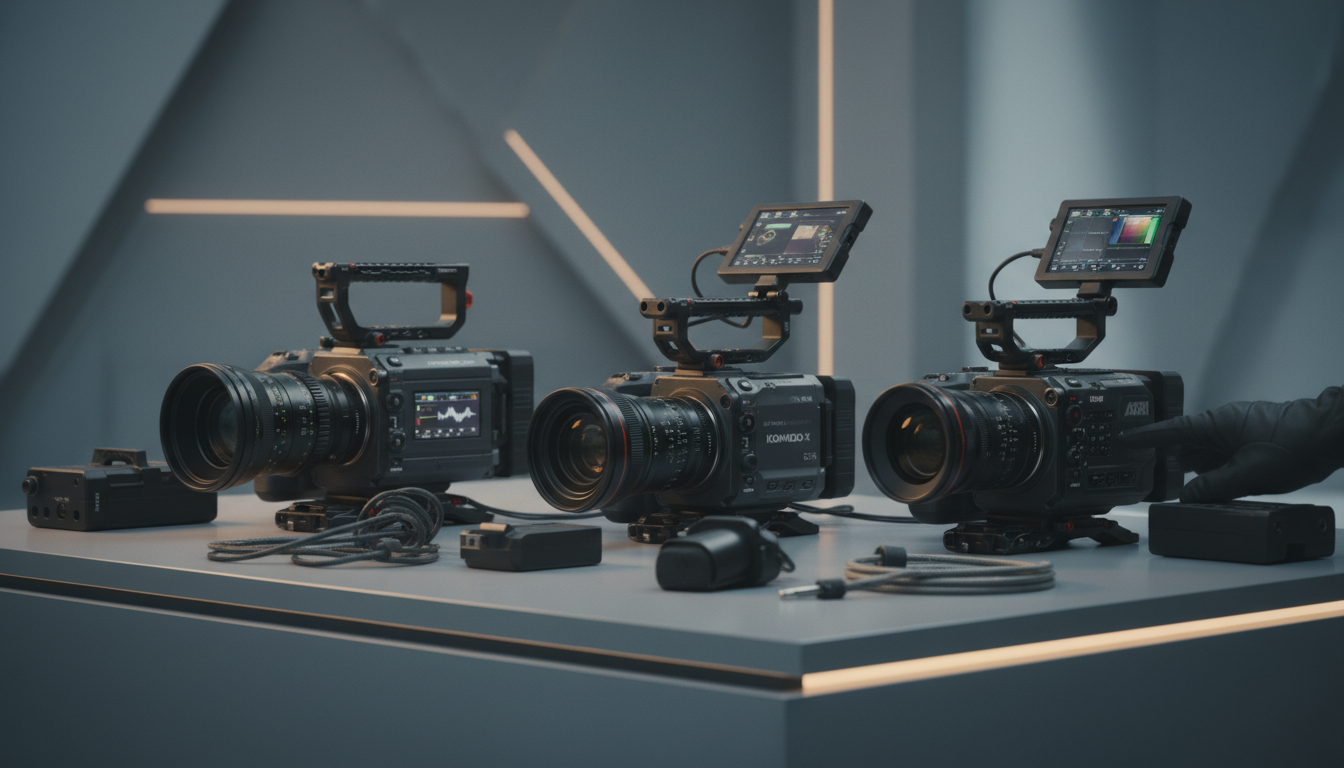
The sensor is the heart of any cinema camera. Full-frame sensors like those in the Sony VENICE series capture more light and create shallower depth of field. Super 35mm sensors, found in cameras like the RED KOMODO-X, offer a sweet spot between image quality and lens compatibility.
Professional vs Consumer: The Technical Divide
Professional cinema cameras record in formats like ProRes RAW or REDCODE, giving colorists maximum flexibility in post-production. Consumer cameras compress footage heavily, baking in color decisions that can’t be undone later.
Dynamic range separates the professionals from the amateurs. Cinema cameras typically offer 14+ stops of dynamic range, capturing detail in both shadows and highlights that would be lost on consumer gear. This translates to more natural-looking skin tones and believable lighting scenarios.
The Workflow Integration Factor
Cinema cameras integrate into professional workflows smoothly. They output clean HDMI signals for external monitors, accept professional audio inputs, and mount to industry-standard support systems. This isn’t just convenience — it’s essential for multi-person crews working under tight deadlines.
Timecode synchronization, genlock capabilities, and remote control options become important when you’re coordinating multiple cameras or integrating with broadcast systems. These features rarely matter for solo creators but become indispensable for professional productions.
Sensor Technology: The Foundation of Cinematic Image Quality
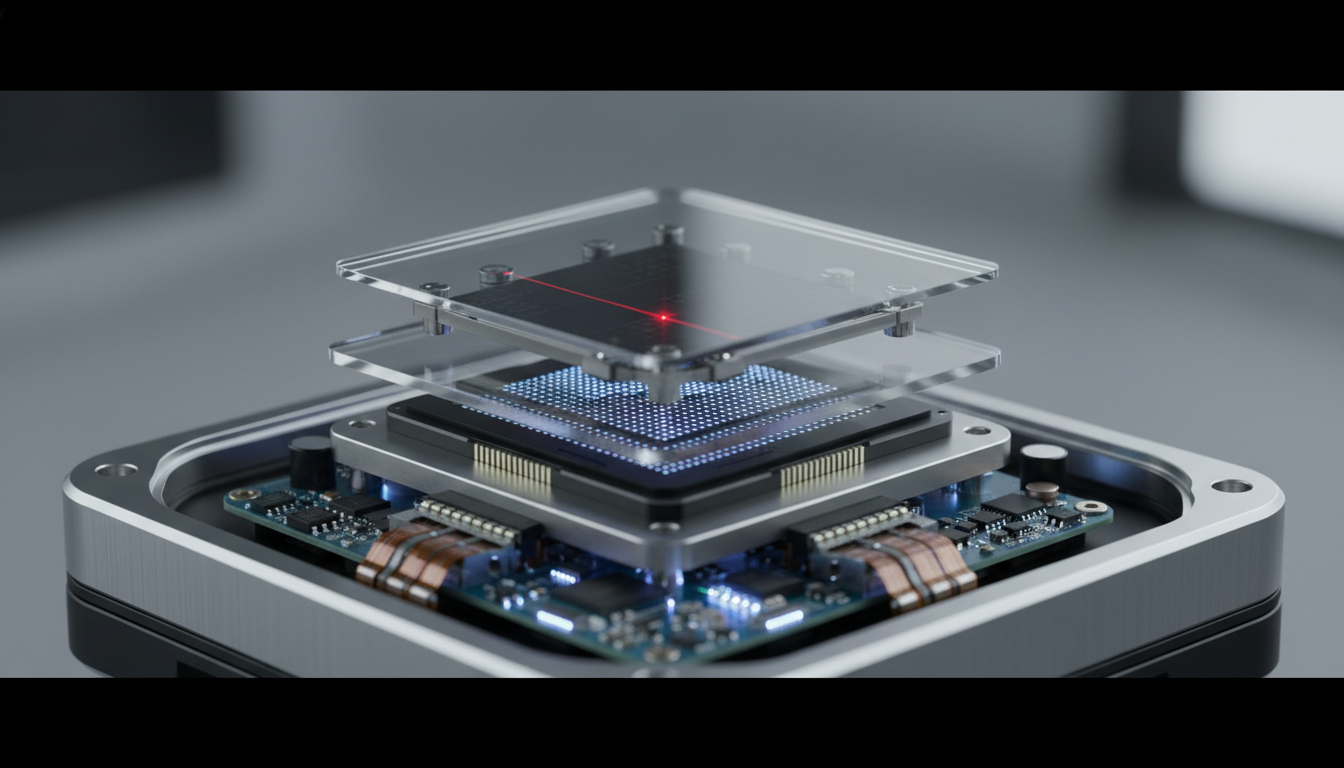
Sensor technology determines everything about your image before it even reaches post-production. We’ve tested dozens of cinema cameras, and the sensor characteristics consistently predict the final image quality more than any other factor.
Full-Frame vs Super 35: Creative Implications
Full-frame sensors create a distinctive look that’s become synonymous with high-end cinematography. The shallow depth of field at wider focal lengths gives directors more creative control over focus and bokeh. However, full-frame sensors require more expensive lenses and create challenges with focus pulling.
Super 35mm sensors offer practical advantages for many productions. They’re compatible with a wider range of lenses, including vintage glass that creates unique character. The crop factor also means telephoto shots are easier to achieve without massive lenses.
Medium format sensors, like those in the FUJIFILM GFX ETERNA, push the boundaries even further. They capture an almost three-dimensional quality that’s particularly striking for fashion and commercial work, though they require specialized lenses and careful handling.
Dynamic Range and Color Science
Dynamic range isn’t just a technical specification — it’s creative freedom. Cameras with 15+ stops of dynamic range let you expose for highlights and lift shadows in post without introducing noise or color shifts. This flexibility is important for challenging lighting conditions or when you need to match footage from different shooting days.
Color science varies dramatically between manufacturers. Canon cameras tend toward warmer, more pleasing skin tones straight out of camera. Sony’s color science has improved significantly but still requires more color grading work. RED cameras offer incredible flexibility but demand skilled colorists to achieve optimal results.
Resolution Beyond the Marketing Numbers
Resolution matters less than most people think. A well-shot 4K image from a quality cinema camera will always look better than poorly executed 8K footage. The real advantage of higher resolutions is flexibility in post-production — you can reframe shots, create digital zooms, or extract stills without quality loss.
However, higher resolutions demand more from your entire workflow. Storage costs multiply, editing systems need more processing power, and color grading becomes more computationally intensive. Many professional productions still deliver in 4K even when shooting at higher resolutions.
Professional Codec Systems and Recording Formats
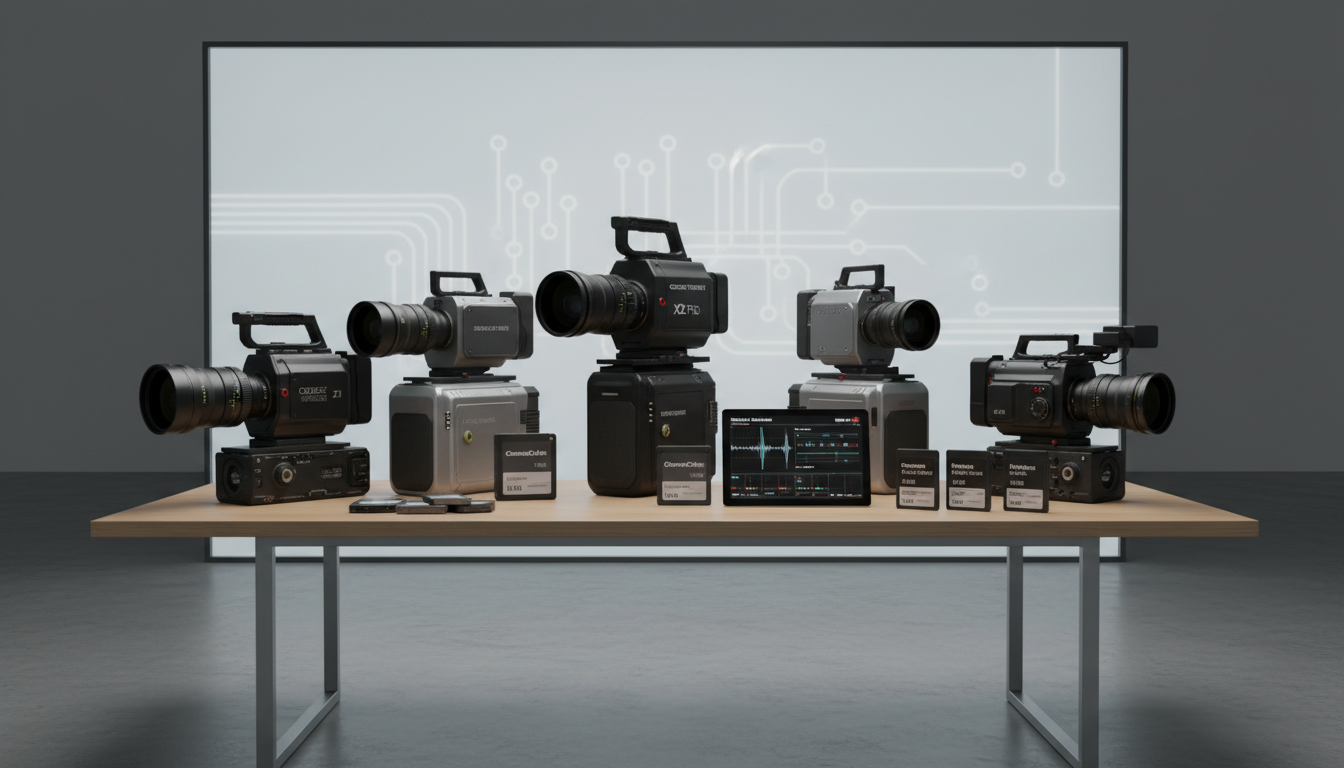
Recording formats separate professional cinema cameras from everything else. The codec you choose affects not just image quality but your entire post-production workflow and long-term project viability.
RAW vs Compressed: Understanding the Trade-offs
RAW recording captures the maximum amount of image data directly from the sensor. This gives colorists unprecedented control over exposure, white balance, and color grading. However, RAW files are massive — a single minute of 6K RAW footage can exceed 10GB.
Professional compressed formats like ProRes 422 HQ offer a middle ground. They maintain high image quality while keeping file sizes manageable. For most commercial work, high-quality compressed formats provide sufficient flexibility without overwhelming storage systems.
The choice between RAW and compressed often comes down to budget and workflow requirements. High-end commercials and feature films typically shoot RAW for maximum flexibility. Corporate videos and documentaries often use compressed formats for efficiency.
Internal vs External Recording
Internal recording capabilities vary dramatically between cinema cameras. Some cameras can record high-quality codecs internally to CFexpress cards or SSD drives. Others require external recorders for professional formats, adding complexity and cost to your setup.
External recorders like the Atomos Ninja series offer advantages beyond just recording formats. They provide larger, brighter monitors for better on-set monitoring and often include features like false color and waveform displays that aid in proper exposure.
The trend toward internal recording of professional formats has simplified many productions. Cameras like the Canon C400 can record ProRes RAW internally, eliminating the need for external recorders in many scenarios.
Storage and Workflow Considerations
Professional recording formats demand strong storage solutions. High-speed CFexpress cards or SSD drives are essential for reliable recording. Budget at least $500-1000 for adequate storage media when investing in a professional cinema camera.
Post-production workflows must accommodate the massive file sizes generated by cinema cameras. This means faster computers, more storage, and often cloud-based collaboration tools for multi-editor projects. The initial camera investment is just the beginning of the total cost of ownership.
Brand Ecosystems: Canon, Sony, RED, and Blackmagic Compared
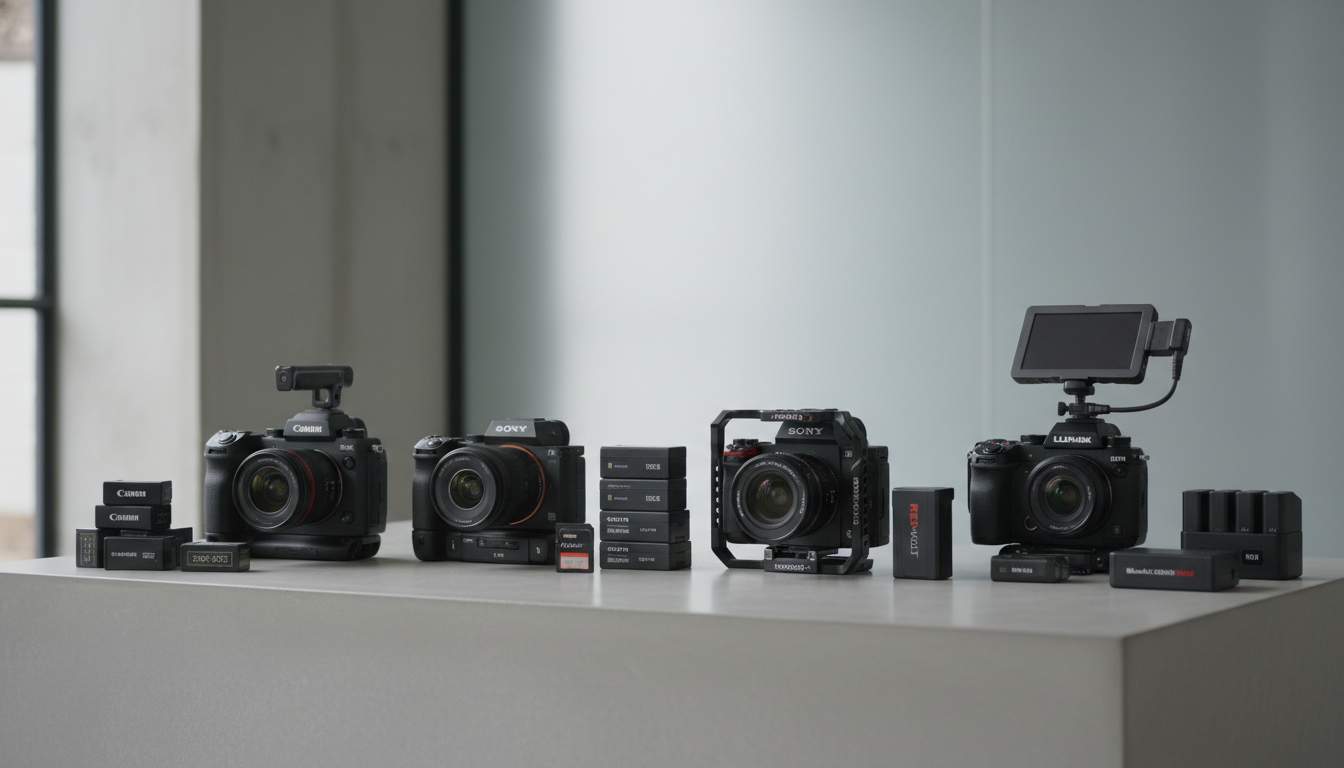
Each manufacturer has developed distinct approaches to cinema camera design, creating ecosystems that serve different types of productions and creative preferences.
Canon: Color Science and Reliability
Canon’s cinema cameras prioritize ease of use and beautiful color reproduction. The C-series cameras produce pleasing skin tones with minimal color grading, making them popular for documentary work and run-and-gun productions where post-production time is limited.
The Canon ecosystem excels in lens compatibility. EF and RF mount lenses offer extensive options from ultra-wide to super-telephoto. Canon’s Dual Pixel autofocus system works reliably even in challenging conditions, though many cinematographers prefer manual focus for creative control.
Canon cameras tend toward conservative specifications but deliver reliable performance. They rarely push the boundaries of resolution or dynamic range but consistently produce professional results with minimal fuss.
Sony: Innovation and Versatility
Sony’s cinema cameras push technical boundaries while maintaining professional reliability. The VENICE series offers exceptional dynamic range and low-light performance, making them popular for challenging shooting conditions.
Sony’s color science has evolved significantly. While earlier cameras required extensive color grading, current models like the BURANO produce more pleasing images straight out of camera. The extensive customization options allow cinematographers to tailor the camera’s behavior to specific projects.
The Sony ecosystem integrates well with broadcast and live production workflows. Features like genlock synchronization and remote control capabilities make Sony cameras popular for multi-camera productions and live events.
RED: Maximum Image Quality and Flexibility
RED cameras prioritize image quality above all else. The modular design allows extensive customization for specific shooting requirements. However, this flexibility comes with complexity that requires experienced operators.
RED’s REDCODE RAW format offers incredible post-production flexibility but demands powerful computers and skilled colorists. The learning curve is steep, but the results can be spectacular when properly executed.
The RED ecosystem works best for productions with dedicated camera assistants and post-production teams. Solo operators often find RED cameras overwhelming, while experienced crews appreciate the extensive customization options.
Blackmagic: Accessible Professional Features
Blackmagic cameras democratize professional features by offering cinema camera capabilities at lower price points. The URSA series provides professional codecs and extensive controls without the premium pricing of other manufacturers.
Blackmagic’s integration with DaVinci Resolve creates a smooth workflow from capture to final delivery. The cameras are optimized for Blackmagic’s color grading software, simplifying post-production for smaller productions.
However, Blackmagic cameras often require more careful handling and setup than competitors. They offer professional features but may lack the build quality and reliability expected in demanding production environments.
Lens Compatibility and Mount Systems
Lens selection often matters more than camera choice for achieving specific visual styles. Understanding mount systems and lens compatibility helps you build a versatile and cost-effective camera package.
Native Mounts vs Adapters
Native lens mounts provide the most reliable connection between camera and lens. They support all electronic functions like autofocus, image stabilization, and aperture control. However, native mounts limit your lens options to specific manufacturers.
Lens adapters expand compatibility but often sacrifice functionality. Electronic adapters maintain some communication between lens and camera but may introduce lag or compatibility issues. Mechanical adapters provide secure mounting but eliminate electronic controls entirely.
The choice between native mounts and adapters depends on your lens collection and shooting style. Documentary shooters often prefer native mounts for reliability, while narrative cinematographers might choose adapters to access vintage or specialized lenses.
PL Mount: The Professional Standard
PL mount remains the gold standard for professional cinema lenses. Originally developed by ARRI, PL mount lenses are built to cinema specifications with smooth focus and aperture rings, consistent color rendition, and strong construction.
PL mount lenses are expensive but offer unmatched optical quality and reliability. They’re designed for professional use with features like focus marks that remain accurate across temperature changes and mechanical construction that withstands years of heavy use.
Many cinema cameras offer PL mount options, though they typically cost more than cameras with smaller mounts. The investment makes sense for productions that prioritize optical quality and plan to use the equipment extensively.
Building a Lens Collection Strategy
Lens selection should align with your typical shooting scenarios and aesthetic preferences. A basic cinema lens kit might include a 24-70mm zoom for versatility, an 85mm prime for portraits, and a 16mm wide-angle for establishing shots.
Vintage lenses can provide unique character at lower costs than modern cinema glass. However, they may lack the consistency and reliability required for professional productions. Test vintage lenses thoroughly before committing to important projects.
Consider the total cost of lens ownership, including maintenance and insurance. Professional cinema lenses hold their value well but require periodic calibration and cleaning to maintain optimal performance.
Budget Planning: Beyond the Camera Body
The camera body represents only a fraction of a complete cinema camera system. Proper budget planning accounts for all necessary accessories and ongoing costs to avoid surprises during production.
The 40/60 Rule for Cinema Camera Budgets
Professional cinematographers often allocate roughly 40% of their budget to the camera body and 60% to lenses, support gear, and accessories. This ratio reflects the reality that a great lens on a modest camera often produces better results than an expensive camera with poor glass.
Essential accessories include high-capacity storage media, external monitors, battery systems, and support equipment like tripods or gimbals. These items can easily cost as much as the camera body but are essential for professional operation.
Don’t forget ongoing costs like insurance, maintenance, and software licenses. Professional equipment requires regular calibration and cleaning to maintain optimal performance. Budget at least 10% of the initial investment annually for maintenance and updates.
Rental vs Purchase Decisions
Rental makes sense for occasional use or when testing new equipment. Daily rental rates for professional cinema cameras typically range from $200-800, making purchase worthwhile only for regular use.
Purchase becomes cost-effective when you’ll use the equipment more than 30-40 days per year. However, ownership includes responsibilities for maintenance, insurance, and technology updates that rental eliminates.
Many professionals use a hybrid approach, owning basic equipment and renting specialized gear for specific projects. This strategy provides flexibility while controlling costs and reducing the risk of technological obsolescence.
Hidden Costs and Infrastructure Requirements
Professional cinema cameras demand supporting infrastructure that adds significantly to the total cost of ownership. High-speed storage systems, powerful editing computers, and reliable backup solutions are essential for professional workflows.
Color grading software and hardware calibration tools become necessary when working with professional formats. A properly calibrated monitoring setup can cost $5,000-15,000 but is essential for accurate color work.
Training and education costs are often overlooked but important for maximizing equipment potential. Professional cinema cameras offer extensive customization options that require time and training to master effectively.
Workflow Integration and Post-Production Considerations
A digital cinema camera is only as good as the workflow that supports it. Professional productions require smooth integration from capture through final delivery, with each step optimized for efficiency and quality.
On-Set Workflow Optimization
Professional cinema cameras generate massive amounts of data that must be managed carefully on set. A typical day of shooting can produce hundreds of gigabytes of footage, requiring strong data management protocols to prevent loss or corruption.
Digital imaging technicians (DITs) have become essential crew members on professional productions. They manage data flow, create backup copies, and provide real-time quality control. Even smaller productions benefit from dedicated data management personnel or protocols.
Metadata management becomes important when dealing with multiple cameras and long shooting days. Proper file naming conventions, timecode synchronization, and shot logging save hours in post-production and prevent costly mistakes.
Post-Production Pipeline Requirements
Professional cinema camera footage demands powerful post-production systems. 4K RAW footage requires significantly more processing power than compressed formats, often necessitating workstation upgrades or cloud-based solutions.
Color grading becomes more critical and more complex with professional footage. The increased dynamic range and color information provide more creative possibilities but require skilled colorists and calibrated monitoring to achieve optimal results.
Delivery requirements vary significantly between projects. Broadcast deliverables have strict technical specifications, while streaming platforms accept more flexible formats. Understanding delivery requirements early in the process helps inform camera and codec choices.
Collaboration and Remote Workflows
Modern productions increasingly rely on remote collaboration tools. Cloud-based editing platforms allow multiple editors to work simultaneously on the same project, while remote color grading services provide access to specialized expertise.
However, the large file sizes generated by cinema cameras can strain internet connections and cloud storage budgets. Many productions use proxy workflows, creating smaller files for editing while maintaining links to full-resolution originals for final output.
Version control becomes critical in collaborative workflows. Professional asset management systems track changes and maintain project integrity across multiple contributors and locations.
| Camera Category | Typical Price Range | Best For | Key Limitations |
|---|---|---|---|
| Entry Cinema | $2,000-5,000 | Independent films, documentaries | Limited dynamic range, fewer pro features |
| Mid-Range Cinema | $5,000-15,000 | Commercial work, broadcast | May require external recorders |
| High-End Cinema | $15,000-50,000+ | Feature films, premium commercials | Complex operation, high ongoing costs |
Frequently Asked Questions
What’s the minimum budget for a professional digital cinema camera setup?
A complete professional setup typically starts around $8,000-12,000, including camera body, basic lens, essential accessories, and storage media. This covers cameras like the Canon C70 or Sony FX6 with minimal but functional support gear.
Do I need to shoot in RAW format for professional work?
Not necessarily. Many professional productions use high-quality compressed formats like ProRes 422 HQ, which provide excellent image quality with manageable file sizes. RAW is beneficial for projects requiring extensive color grading or challenging lighting conditions.
How important is 8K recording for cinema cameras?
8K recording provides flexibility for reframing and digital zooms but isn’t essential for most projects. The increased storage and processing requirements often outweigh the benefits unless you specifically need the extra resolution for post-production flexibility.
Can I use photography lenses on cinema cameras?
Yes, but with limitations. Photography lenses often lack smooth focus rings and may exhibit focus breathing that’s distracting in video. They’re suitable for budget productions but cinema-specific lenses provide better results for professional work.
What’s the difference between cinema cameras and high-end DSLRs?
Cinema cameras prioritize video features like professional codecs, extensive manual controls, modular designs, and superior heat management. DSLRs excel at photography with video as a secondary function, often with recording time limits and fewer professional video features.
How often should professional cinema cameras be serviced?
Professional cameras should be calibrated and serviced annually or after every 500-1000 hours of operation. This maintains optimal performance and prevents issues that could disrupt productions. More frequent cleaning may be necessary in dusty or challenging environments.
Ready to enhance your visual storytelling with professional cinema camera expertise? Contact Emin Media for a free brand consultation and discover how the right camera choice can transform your creative vision into compelling content that resonates with your audience.
Enjoyed this article?
Contact Emin Media for a free brand consultation and let's create something amazing together.
Get in Touch